


IP CHANGE

IP CHANGE
The official app & game
Distributed by UptoPlay
SCREENSHOTS
DESCRIPTION
Use UptoPlay to play online the game IP CHANGE.
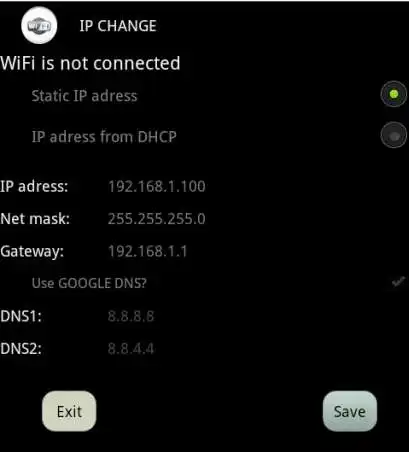
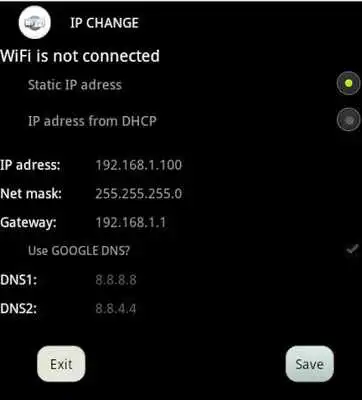
With IP CHANGE app you can setup the static IP-Address for your currently running WiFi connection or rollback the setting back to DHCP.
How to change IP-Address for static IP:
1. Connect to your existing Access point
2. Open IP CHANGE app and fill the text boxes (IP-Address, Net mask,Default gateway).
3. Press the SAVE button.
How to change the IP-Address from DHCP:
1. Connect to your existing Access point
2. Open IP CHANGE app and select an option IP-Adress from DHCP
3. Press the SAVE button.
Enjoy with UptoPlay the online game IP CHANGE.
ADDITIONAL INFORMATION
Developer: XIRSOFT s.r.o.
Genre: Personalization
App version: 1.1
App size: 320k
Recent changes: Oprava chyby zlyhania pri štarte.
Comments:
It's just a screenshot on the app nothing works don't even download! Worst
ipaddress can't be change5 star
Please help i want my ip and dns to be back to default
it does actually work
this bad app. please don't install it. this app no work"
Page navigation: