


Xterra Mirroring

Xterra Mirroring
The official app & game
Distributed by UptoPlay
SCREENSHOTS
DESCRIPTION
Use UptoPlay to play online the game Xterra Mirroring.
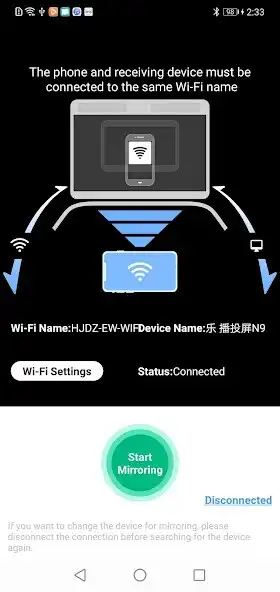
The Xterra Mirroring APP provides a simple way to wirelessly mirror your Android devices screen to our entertainment console. Make your workouts more enjoyable by viewing the info from your device on our large console display.
Steps to connect:
1.Connect your phone or tablet and our Xterra console to the same WiFi.
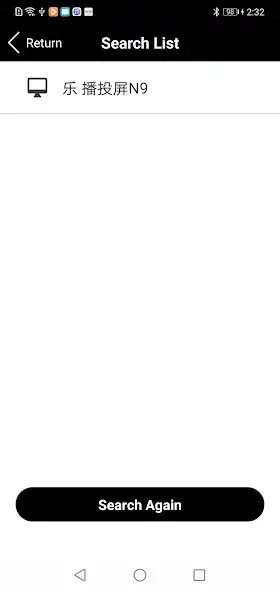
2.Open the Xterra Mirroring App on your device and select the model name shown on our console.
3.Click the Xterra Mirroring button to complete the screen mirroring process.
Enjoy your exercise with Xterra products!
Enjoy with UptoPlay the online game Xterra Mirroring.
ADDITIONAL INFORMATION
Developer: Shanghai Electronics Way Co. , Ltd
Recent changes: add permission dialog
Page navigation: