


Universal Tv Remote
Universal Tv Remote
The official app & game
Distributed by UptoPlay
SCREENSHOTS
DESCRIPTION
Use UptoPlay to play online the game Universal Tv Remote.
The TV Remote App for Smart TVs and IR TVs
For Smart TVs / Devices, the only setting required is to connect your phone as well as your Smart TV / Device to the same Wifi network.
For IR TVs, your phone must have a built-in Infrared (IR) feature for the app to work as a remote control. The IR feature is required to send signals from your phone to the TV set just like a normal TV remote.
Smart TV functionalities
>> Voice Search
>> Power Control.
>> Mute / Volume Control.
>> Smart Sharing / Casting: View your Pictures and Videos, and listen to music on your TV.
>> Mouse Navigation and Easy Keyboard.
>> Input
>> Home
>> Apps installed on your TV.
>> Channel lists / Up / Down.
>> Play / Stop / Reverse / Fast Forward.
>> Up / Down / Left / Right Navigation.
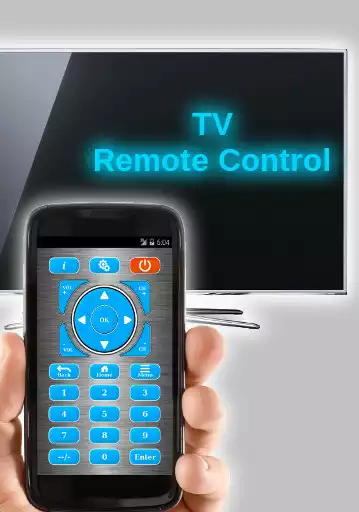
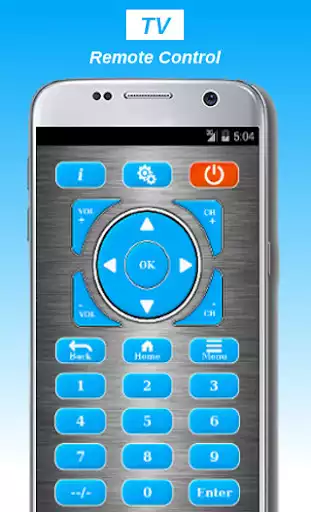
Features of Traditional IR Universal Remote Control:
Power ON / OFF Control.
AV / TV.
Mute / Un-Mute.
Channel Digits buttons.
Channel index and lists.
Volume Up Control.
Volume Down Control.
Channel Up Control.
Channel Down Control.
Menu Button with up / down and left / right Controls.
Red / Green / Blue / Yellow (Multiple purpose soft keys).
Note:
Phone with a built-in IR blaster is required for Traditional IR TV devices.
For Smart TVs / devices, both the smartTV device and the user's mobile device must be connected to the same network.
This app is compatible with the TV brands/models currently available in the app. This is an unofficial TV remote application for these Television brands.
Enjoy with UptoPlay the online game Universal Tv Remote.
ADDITIONAL INFORMATION
Developer: Smart Up.
Recent changes: Universal Remote Control for all Tv brands.
Smart Tv & IR in one App.
Page navigation: