


TV Cast Screen Mirroring
TV Cast Screen Mirroring
The official app & game
Distributed by UptoPlay
SCREENSHOTS
DESCRIPTION
Use UptoPlay to play online the game TV Cast Screen Mirroring.
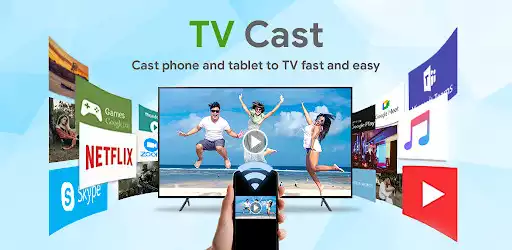
TV Cast & Screen Mirroring is the most powerful and smart app for broadcasting your Android screen and audio in real-time speed.
Cast all images, content, and videos from mobile to TV.
Features of "TV Cast & Screen Mirroring" app:
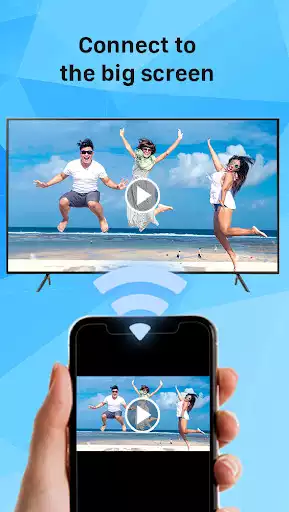
Screen Mirroring: Screen Mirroring allows you to mirror your smartphone to your TV screen in high quality
TV Cast: All images, content, videos from mobile devices can be displayed directly on the TV through the smart TV Cast feature.
Experience music, playing the game on the bigger screen.
Display all content in the smartphone screen to TV
Media Player: play videos, music, photos on screen sharing anywhere cast to your smart TV
How to Cast to TV:
Make sure your phone and tv are connect to the same WiFi.
Enable the "Miracast Display" on your TV and "Wireless Display" on your phone.
Click the "Connect device" button and choose your device that you want to show your screen on.
All done, just enjoy on the bigger screen.
Enjoy with UptoPlay the online game TV Cast Screen Mirroring.
ADDITIONAL INFORMATION
Developer: EZTech Apps
Recent changes: ☆ Screen Mirroring
☆ TV Cast: Cast Video, photos, audio
Page navigation: