


Smartwatch Text Clock

Smartwatch Text Clock
The official app & game
Distributed by UptoPlay
SCREENSHOTS
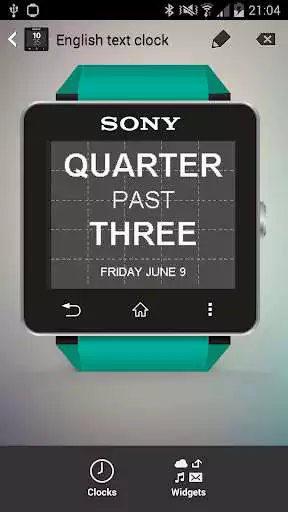

DESCRIPTION
Use UptoPlay to play online the game Smartwatch Text Clock.
Installation procedure:
- Pair your Smartwatch 2 with your mobile (bluetooth)
- Install this app on your mobile.
- Open the Sony Smart Connect app.
- Select Smartwatch 2
- Select Smartwatch 2 - Edit Settings
- Select Watch Faces
- Create a new watch face (+ button in upper toolbar)
- Select Clocks
- Add the English Text Clock or Dutch Text Clock
- Click on the Back button
- Select Widgets
- Add the English Text Date or Dutch Text Date or any other widget
- The new watch face should now be visible on your Smartwatch 2
Supported languages: English and Dutch
Enjoy with UptoPlay the online game Smartwatch Text Clock.
Page navigation: