


Simple Digital Clock
Simple Digital Clock
The official app & game
Distributed by UptoPlay
SCREENSHOTS
DESCRIPTION
Use UptoPlay to play online the game Simple Digital Clock.
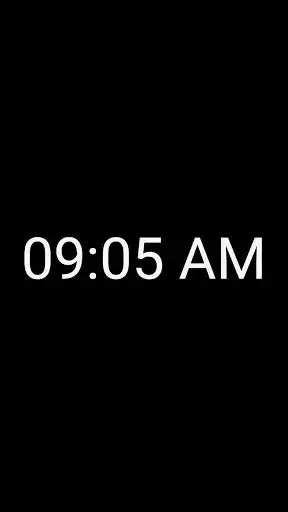
The program is very simple usage, just play online and run. Your phone or tablet will be transformed into a full-screen clock.
It is ideal in order to older phones to convert a desk clock. If you need an easy read bedside table clock, this application is right for you.
How to use:
- Tap the screen once in order to see the menu key.
- Tap the screen once to full screen.
Menu options:
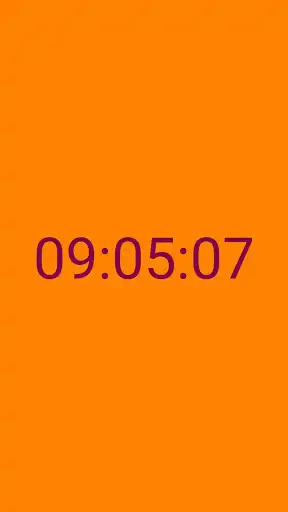
- Background color.
- Clock color.
- Reset colors.
- Show seconds.
- Time settings.
Features:
- Completely free, it contains no advertising and does not use the internet.
- You can use the portrait or landscape positions.
- It is use low battery power thanks to it' simple algorithm.
- It is run on Android 4.2 (Jelly Bean, API 17) and over version.
Tip: For lower battery consumption, adjust brightness settings to automatic or lower brightness.
Enjoy with UptoPlay the online game Simple Digital Clock.
ADDITIONAL INFORMATION
Developer: Akin ILKYAZ
Genre: Tools
App version: 4.2
App size: 791k
Recent changes: - Application performance improved.
- Some bugs fixed.
Comments:
Huge digital click that's easy to setup and really works. Great for the night table or office desk to quickly and easily see the time during the day or night; at home or on the go,. Thank you!
No false advertising here; it is simple, it is digital, and it is a clock. They executed all of these attributes well without any ads.
Displays WRONG time as home screen icon 09:05 Does show CORRECT time when activated to full screen The PROBLEM - might cause me to misinterpret actual time when glancing at home screen icons! Also needs to display date.
Big and easy to see numbers. Very simple style and easy to use.
As stated simple easy. I just wish you could adjust font size.'
Page navigation: