


ScreenStream
ScreenStream
The official app & game
Distributed by UptoPlay
SCREENSHOTS
DESCRIPTION
Use UptoPlay to play online the game ScreenStream.
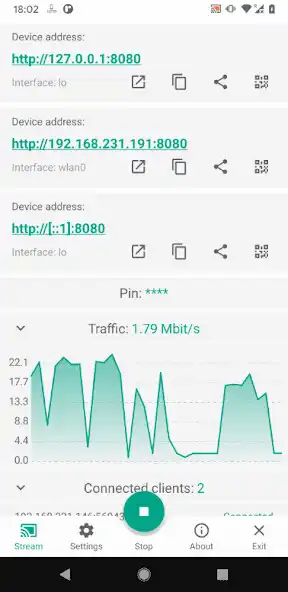
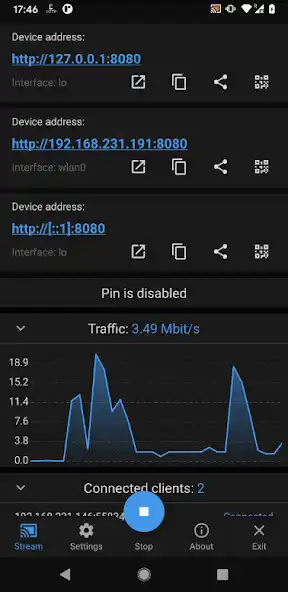
ScreenStream is a user-friendly Android application that allows users to easily share their device screen and view it directly in a web browser. No additional software is required other than the ScreenStream itself, a web browser, and an internet connection (for Global mode).
ScreenStream offers two work modes: Global mode and Local mode. Both modes aim to stream the Android device screen with unique functionalities, restrictions, and customization options.
Global Mode (WebRTC):
Local Mode (MJPEG):
In both modes the number of clients is not directly limited, but it's important to keep in mind that each client consumes CPU resources and bandwidth for data transmission.
Important Warnings:
1. High Traffic on Mobile Networks: Use caution when streaming via mobile 3G/4G/5G/LTE networks to avoid excessive data usage.
2. Delay in Streaming: Expect a delay of at least 0.5-1 second or more in certain conditions: slow device, poor internet or network connection, or when the device is under heavy CPU load due to other applications.
3. Video Streaming Limitation: ScreenStream is not designed for streaming video, particularly HD video. While it will function, the stream quality may not meet your expectations.
4. Incoming Connection Limitations: Some cell operators may block incoming connections for security reasons.
5. WiFi Network Restrictions: Some WiFi networks (usually public or guest networks) may block connections between devices for security reasons.
ScreenStream app source code: GitHub link
ScreenStream Server & Web Client source code: GitHub link
Enjoy with UptoPlay the online game ScreenStream.
ADDITIONAL INFORMATION
Developer: Dmytro Kryvoruchko
Recent changes: New screaming mode using WebRTC introduced.
Add Android 14 support
Minimal supported version now: Android 6
Bug fixes
Page navigation: