


RootSaid - WiFi Command Center

RootSaid
The official app & game
Distributed by UptoPlay
SCREENSHOTS
DESCRIPTION
Use UptoPlay to play online the game RootSaid - WiFi Command Center.
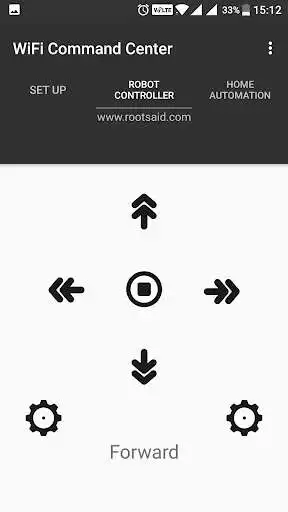
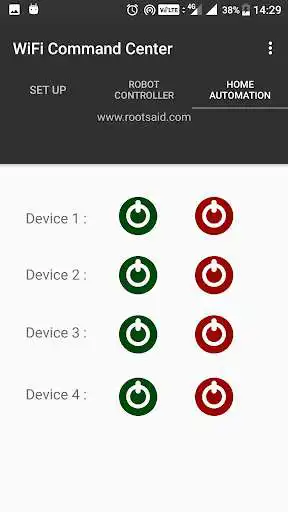
Using this App, you can easily send UDP commands to a Robot or a any custom build Home Automation System using Arduino, Raspberry Pi or any other board, connected to a network and control it using your mobile phone.
Instructions
Connect your Robot or Home Automation System to the network.
Download this App.
Connect your mobile phone to the network.
Set your listener's (robot or raspberry pi) IP address and the port it is listening to.
Now you can send the commands to move Forward, Backward, Left and Right using the buttons.
For Complete tutorials and projects, visit www.rootsaid.com
Enjoy with UptoPlay the online game RootSaid - WiFi Command Center.
ADDITIONAL INFORMATION
Developer: RootSaid - Arduino Projects and Robotics Tutorial
Genre: Communication
App version: 1.0
App size: 2.7M
Recent changes: An All in One App for Robotics and Home Automation Over WiFi
Comments:
Excellent app. Very easy to setup and use. If I had one request it would be to not send a stop command when releasing a button. There is already a stop button but with the same command being sent when releasing a key means I cant use stop when I want it as I have to ignore the command when a key gets released. Possibly having a different command for the 2 would be better. Thanks.
Good app, is their any Github repo available? I want to uodate some feature like read responce of pin status and show back on screen.
Simple and user friendly ✌✌✌
Great app
Page navigation: