


Ninja Skins for Minecraft PE
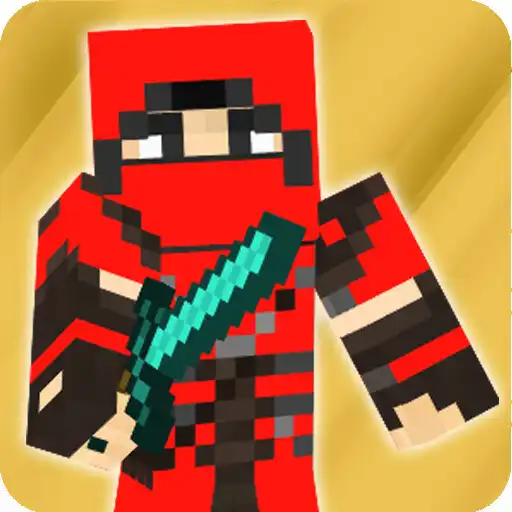
Ninja Skins for Minecraft PE
The official app & game
Distributed by UptoPlay
SCREENSHOTS
DESCRIPTION
Use UptoPlay to play online the game Ninja Skins for Minecraft PE.
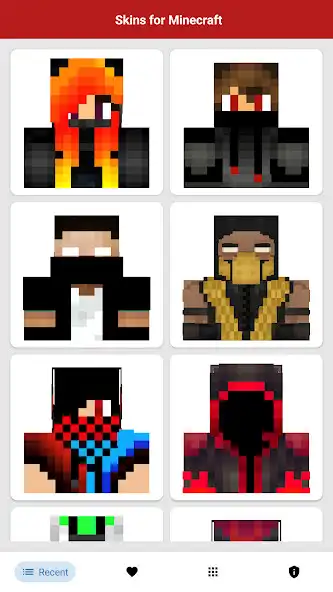
Ninja Skins for Minecraft in HD quality that you can play online now. Use the coolest and most attractive superhero ninja skins on the multiplayer server. Select Superhero Ninja Skin for Minecraft with one button play online and change it in your game menu.
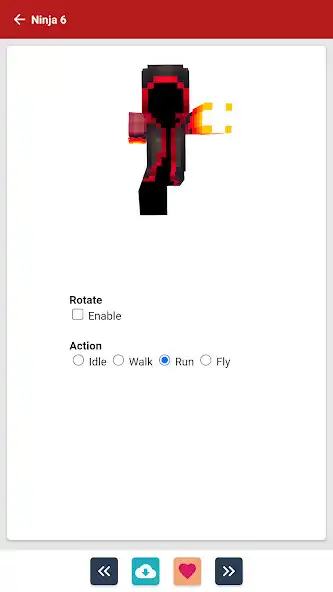
Superhero Ninja Skins for Minecraft PE is easy to use, just a few clicks then you play online the skin. Preview skins in 3D so you can choose what you want. Superhero Ninja Skins for Minecraft is a skin pack that has the most complete and most popular collection. Show your friends the most unique skins so that the game will become much more interesting, and you will not be bored.
Ninja Konoha Skins for Minecraft you have to collect and show how great you are at playing mcpe.
How to install Ninja Skins for MCPE:
1. Select a skin from the application catalog.
2. Click the "Download" button.
3. Go to the game and select the icon with the hanger.
4. Select the black character.
5. Select the downloaded skin from the gallery.
Features of Ninja Skins for MCPE:
1. Download to Gallery, Favorite Skin.
2. Support all versions of MC Pocket Edition and PC Edition.
3. 3D view and 360 degree rotation.
4. Simple and easy navigation.
5. Preview 3D skins before you download.
6. Mod installer for MCPE.
7. High quality HD skins.
DISCLAIMER:
This is an unofficial application for Minecraft. This app is not affiliated with Mojang AB. The Minecraft Name, Minecraft Brand and Minecraft Assets are property of Mojang AB or their respectful owner. All rights reserved. According to https://account.mojang.com/documents/brand_guidelines
Enjoy with UptoPlay the online game Ninja Skins for Minecraft PE.
ADDITIONAL INFORMATION
Developer: PE Craft Mods Skin
Page navigation: