


Lock It: Screen Off
Lock It: Screen Off
The official app & game
Distributed by UptoPlay
SCREENSHOTS
DESCRIPTION
Use UptoPlay to play online the game Lock It: Screen Off.
Note : Doesn't work on devices with fingerprint sensor.
Donate: Lock It: Screen Off - Donate
No more clicking the power button, one click is all you need to turn off the screen.
Lock It is a very small app while being efficient.
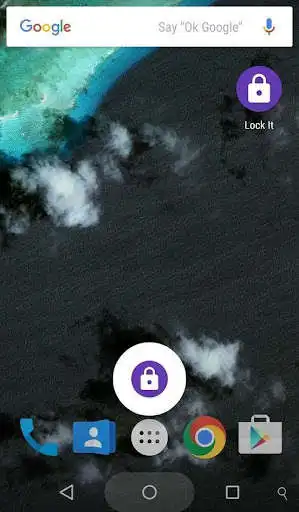
For android versions 4.1(Jelly Bean) to 5.1.1(Lollipop): Swipe up from the home button to lock screen quickly
For Android 6.0(marshmallow) & above: Choose the default Assist app and then long-press the home button to lock the screen.
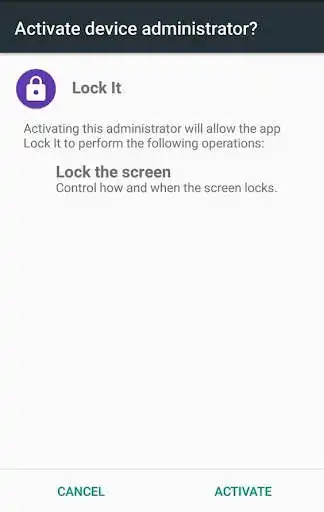
To uninstall: Go to Settings -> Security -> Device administrators -> deselect Lock It then uninstall in a normal way.
Enjoy with UptoPlay the online game Lock It: Screen Off.
ADDITIONAL INFORMATION
Developer: mayank
Genre: Tools
App version: 1.3.0
App size: 48k
Recent changes: All new ICON
Adaptive icons are also added
Support for API 27
Comments:
Works perfectly for galaxy Tab A 2019 10.1, in combination with the knock to unlock the screen feature of this tablet. Now I never have to use hardware buttons. Thanks for making this app. I only need this app cause this tablet doesn't have the magnet case wake up sensor.
An awesome app to conveniently and quickly turn off your screen and lock it. That is all it does folks it's very simple. Best of all no advertisements. Used it for many years. Currently installed on my Samsung Android 11 Tablet.
Bad app, locks your phone by just turning off the screen. Useless app, dont waste time. I need a screen lock, so my phone will stop doing more in my pocket, then in my hand. Kinda defeats the purpose
I love it! After you install and approve the admin access, there you go. One click and then the phone will lock. If you will uninstall, go to settings and admin access then turn off this app to uninstall it.
Worst app I have ever seen it takes admin access from you so when you try to uninstall from your device it will not get easily removed. So if you want to remove follow this step> -Go to settings -search for admin access app - and disable the permission for this app and then you can able to uninstall this app'
Page navigation: