


Lets Swipe

Lets Swipe
The official app & game
Distributed by UptoPlay
SCREENSHOTS

DESCRIPTION
Use UptoPlay to play online the game Lets Swipe.
This game allow users to play lets swipe game without internet.
How to Play?
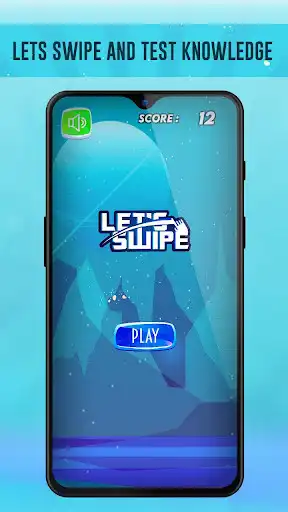
1. After Installing this game user will see Big Blue Button which says Play. User can click on that button to start the game.
2. After clicking on Blue button user need to swipe middle object with matching colors. like If In the middle there is red fruit. user need to swipe to red block.
3. User may see simple math logic like 5+3? and user need to swipe that to correct answer's block.
That's pretty much about the game.
Once user do wrong swipe a game over screen will appear which will display a score which user made during the game play. User can share that score on social media platforms.
That's it. Play this amazing game and If you like it place a 5 star rating and let us know what you liked the most.
Enjoy with UptoPlay the online game Lets Swipe.
ADDITIONAL INFORMATION
Developer: Raphael Rawls
Genre: Arcade
App version: 9
App size: 18M
Recent changes: *New Modes in Game
*Time Mode and Power Mode Added.
*Performance Improvement.
Comments:
Such an addictive game. It seems easy but it's not much easy. Sometimes beating own highscore is challenging. Well done guys.
I would say One more Addictive game in Play store. I just gave it to my son and he is keep playing this game. It looks easy but you will get an idea when you play it. Regards
This game is really addictive. Super cool game with great logic. Asking math questions randomly what a beautiful twist. 5+ Stars for this game.
Addictive game.'
Page navigation: