


Holoid - UCCW holo clock
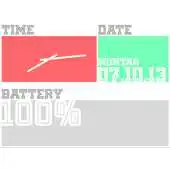
Holoid
The official app & game
Distributed by UptoPlay
SCREENSHOTS


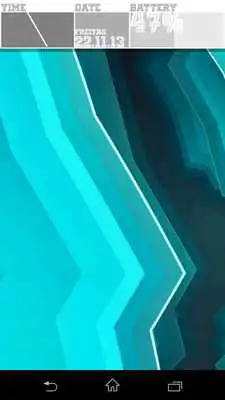

DESCRIPTION
Play this online game named Holoid - UCCW holo clock.
...........................................................IMPORTANT:
You must have UCCW 2.1.2 or higher installed on your device. Otherwise this skin will not work.
You can get it here for free: http://goo.gl/Q8W67
How to install this skin:
1. Open UCCW out of your appdrawer and deactivate the hotspot mode (if it's aktive).
2. Add a UCCW widget with a size of 5x2 to your homescreen (via long press on homescreen if you're running a launcher or via appdrawer if you're on stock ROM),
3. Select "HOLOID" in your favourite color from the list.
4. An UCCW hand symbol is now placed on your homescreen. Touch it once to load the skin.
5. Now touch the widget once again, if it's finally loaded on your screen, to open it in UCCW and customize the hotspots.
6. Choose hotspots. Now you can edit them.
7. Finally activate the hotspot mode and leave UCCW.
FOR YOUR INFORMATION:
I'm not a professional app designer. So please don't expect a professional support if you have problems with UCCW and this skin.
Surely I will help you if I can and if I have enough time. But be patient, please.
RECOMMENDATION:
Most of the questions will be answered in the tutorial of the developer himself: http://youtu.be/2I9BMECTU6w
I personally recommend the sslauncher, because there you can resize and move each widget as you want. You also can place one widget above the others. The free version is available here: https://play.google.com/store/apps/details?id=com.ss.launcher&hl=de
Of course other launchers works too.
Updates:
v1.0.1 bug fixed - the font is not displayed correctly
Holoid - UCCW holo clock from UptoPlay.net
Page navigation: