


Hair And Eye Color Changer
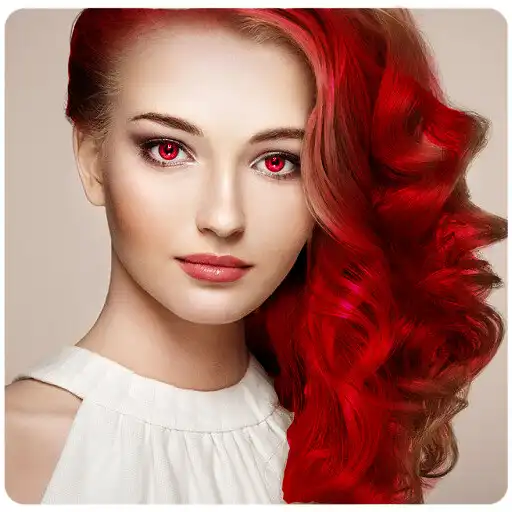
Hair And Eye Color Changer
The official app & game
Distributed by UptoPlay
SCREENSHOTS


DESCRIPTION
Use UptoPlay to play online the game Hair And Eye Color Changer.
All you have to do is take your own photo, follow the steps , and then choose different hair or Eye colors. Once your hair and eye makeover is complete, you can email/share the results to your friends, or even save it to your gallery. Try it Now!
Hair Color
40+ free hair colors(different shades of blonde, red, and brown).
Eye Color
This is beautiful app for you to try out hundreds of eye colors and lenses to your own photo.
Its very simple simulation app for changing eye color of your choice. you can pick your favorite color or lens among very big list of eye lenses.
Features
Apply colors on hair or eye on a single photo.
Hair Color
Try new hair colors on your own photo
Draw and erase hair region
40+ Pre-defined hair colors (different shades of blonde, red, and brown)
Hair color intensity control
Hair Smoothness control.
Hair Color brighten control..
Save photo to gallery
Share photo on social networks
Eye Color
Upload a photo from photo gallery, camera, etc
Over 222+ eye colors (simple, marble, electric, specs, exotic, animal, alien, and more!!)
Adjust opacity of each eye color effect
Mode for placing different-different lenses on left and right eye.
Mono and Color background effects for highlighting your eyes
Save Image in high quality
Save photo to gallery
Share photo on social networks
Photo will be saved in /mnt/sdcard/Hair_And_Eye/....
Enjoy with UptoPlay the online game Hair And Eye Color Changer.
ADDITIONAL INFORMATION
Developer: itsmyapps
Genre: Photography
App version: 2.1
App size: 14M
Recent changes: Save Image Quality improved
Stability Improvements
Bug Fixed
Comments:
This used to be right up there with my top ten beauty apps. The last update screwed something up tremendously, it won't work right at all - the pics all blurry and won't let you save it. :( EDIT: Now it doesn't work AT ALL. Can't even choose a colour after launching the app. I held onto it all this time, hoping it would come back to life. But sadly, I was mistaken.
Page navigation: