


Final Cut Pro Tutorial
Final Cut Pro Tutorial
The official app & game
Distributed by UptoPlay
SCREENSHOTS
DESCRIPTION
Use UptoPlay to play online the game Final Cut Pro Tutorial.
This class is designed for the absolute beginner, meaning no prior experience with Final Cut Pro is required.
We'll start off by learning about some really Important settings of FCPX that all beginners should know.
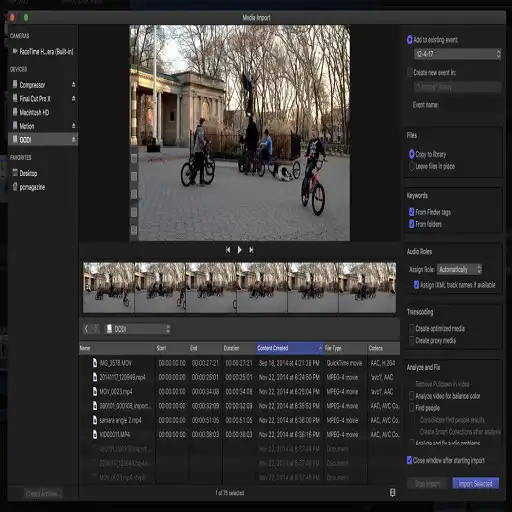
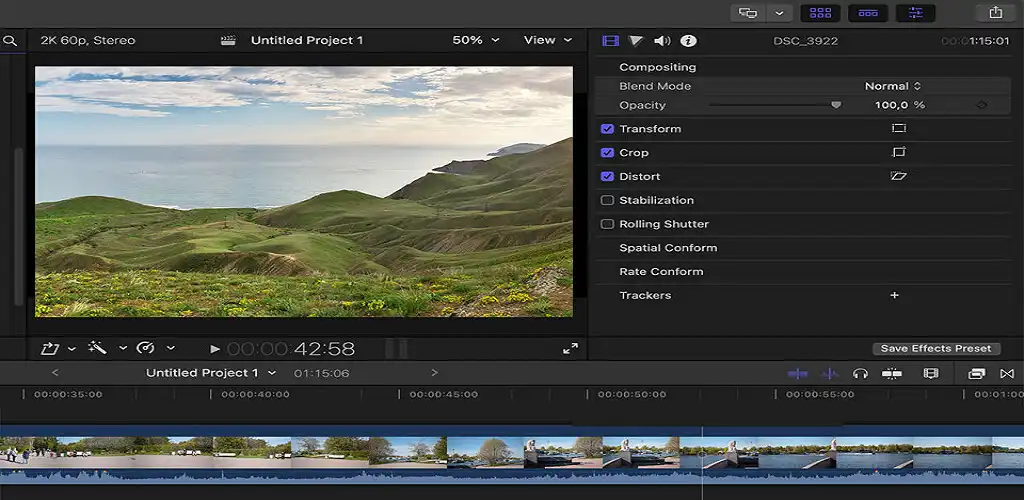
Moving on we'll go a deep dive through the user Interface, Panels and some helpful features.
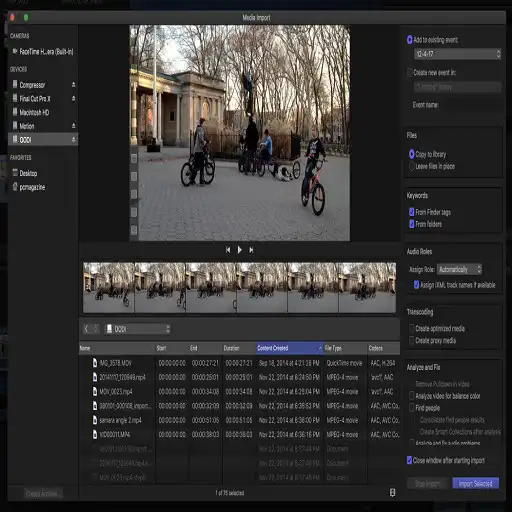
Then this class will then teach you how to add media, different ways to add media and a brief explanation about libraries and more.
Once youve learned the basics, this class will teach you more advanced editing tips, including working with transitions, audio customization(noise removal and adjustments), keyboard shortcuts and more.
Further moving ahead we'll do a basic color grading that makes our video clips stand out. Then we move on to the exporting section where I'll help you guys to export the video clips in the right format.
Finally I will share some of the Tips & Tricks along with some really useful Features of FCPX that I feel will be really useful for you guys, Since I have used them all along and have helped me boost my workflow and save me a lot of time and thats it
Enjoy with UptoPlay the online game Final Cut Pro Tutorial.
ADDITIONAL INFORMATION
Developer: NeoApp Studios
Recent changes: This class is designed for the absolute beginner, meaning no prior experience with Final Cut Pro is required.
We'll start off by learning about some really Important settings of FCPX that all beginners should know
Page navigation: