


File Transfer (Wear OS)
File Transfer (Wear OS)
The official app & game
Distributed by UptoPlay
SCREENSHOTS
DESCRIPTION
Use UptoPlay to play online the game File Transfer (Wear OS).
File Transfer is designed for Wear OS devices
File Transfer is unique app working in the standalone mode.
It does not require any additional software in the PHONE/TABLET/PC to send and receive data.
KEY FEATURES:
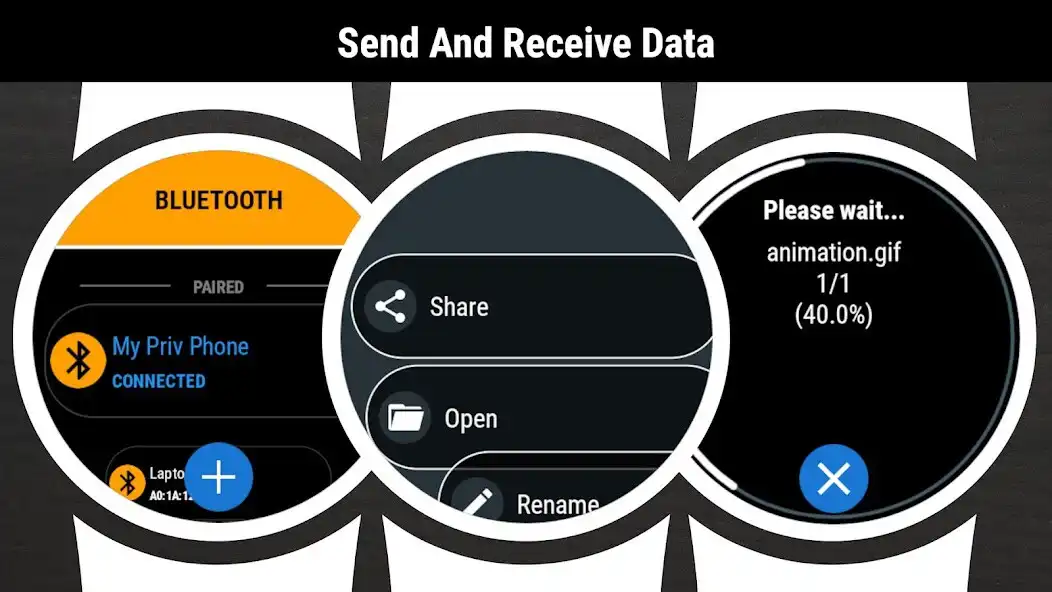
sending files to any Bluetooth device - SMARTWATCH/PHONE/TABLET/PC
receiveing files from any Bluetooth device
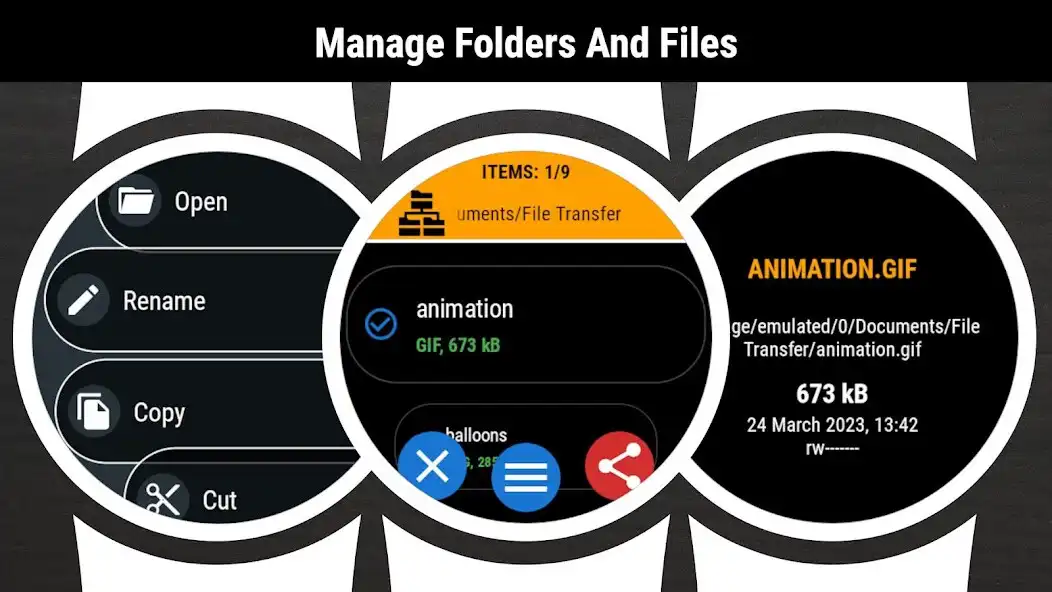
browsing folders and files
viewing files content
copy/paste/rename/sort/delete options
displaying memory information
searching files
zip/unzip option
intuitive menu
SENDING FILE FROM WATCH:
1. (IN WATCH) Go to the App Menu Start edit
2. (IN WATCH) Click on the checkbox next to the file name
3. (IN WATCH) Go to the App menu Share
4. (IN WATCH) Select receiver from the list
5. (IN PHONE) Accept incoming file
6. (IN PHONE) Go to Download folder to view the file
RECEIVING FILE IN WATCH:
1. (IN WATCH) Go to the App Menu Set visible
2. (IN PHONE) Use any file browser app Share Bluetooth
3. (IN PHONE) Click on the watch name. If watch name is not visible on the list - click the SCAN/STOP button (wait and/or retry 2-3 times)
4. (IN WATCH) Accept incoming file
5. (IN WATCH) Go to Downloads folder to view the file
Enjoy with UptoPlay the online game File Transfer (Wear OS).
ADDITIONAL INFORMATION
Developer: Somyac
Page navigation: