


Coach 7 Lite Chromebook
Coach 7 Lite Chromebook
The official app & game
Distributed by UptoPlay
SCREENSHOTS
DESCRIPTION
Use UptoPlay to play online the game Coach 7 Lite Chromebook.
Coach 7 Lite App is a limited version of Coach 7 App, which supports measurements via CMA interfaces:
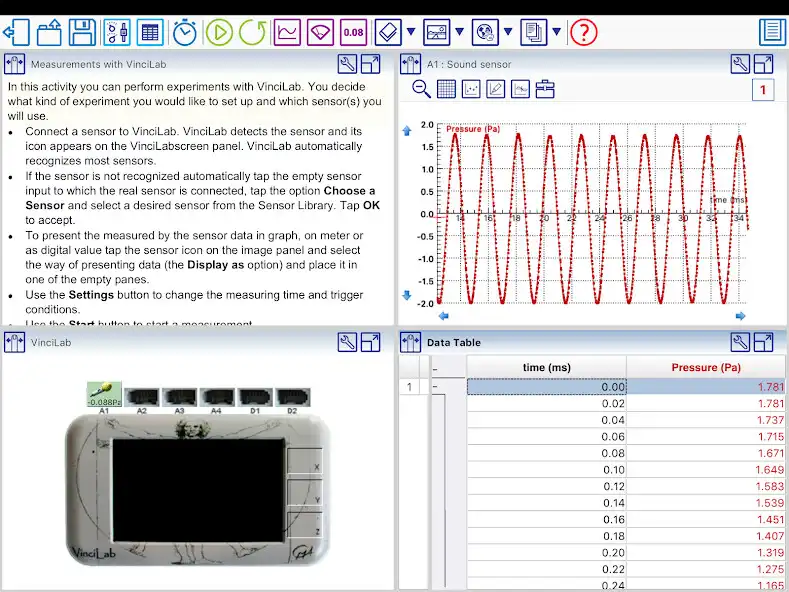
- VinciLab data-logger (wireless via Wi-Fi)
- Sense, Lab, CLAB and CoachLab II+ via a USB port. For connecting an interface a Micro USB OTG hub or cable is required.
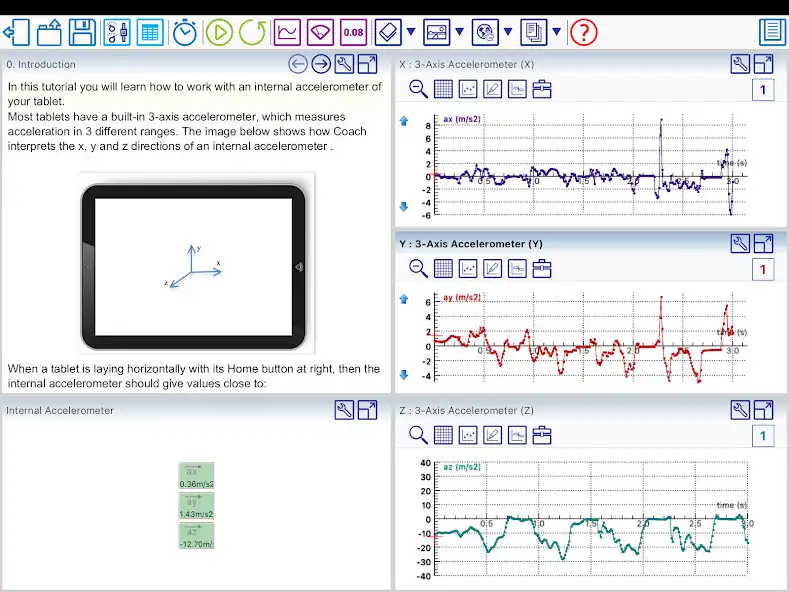
Additionally this app allows working with an internal accelerometer.
Key Features General
- Multilingual user interface
- Tutorial Activities to learn how to work with Coach Lite
- Sharing Activities with other Apps e.g. Mail
Key Features Measurement
- Measure and record data via the CMA VinciLab data-logger (wireless via Wi-Fi)
- Measure and record data via the USB CMA interfaces such as Sense, Lab, CLAB and CoachLab II+. For connecting an interface a Micro USB OTG hub or cable is required (only for tablets equipped with a USB port)
- Measure and record data via an internal accelerometer
- Time-base, Event-base and Manual measurements incl. triggering.
- Sensor recognition.
- Sensor calibration.
Key Features Data Analysis
- View collected or generated data in a table
- Visualize data in real-time in customizable graphs, meters and values
- Draw own graphs - make predictions
- Analyze the data with analysis tools such as Zoom, Scan, Slope, Area, Function Fit, Derivative and Select/Remove data.
CMA has been innovating science classrooms since 1987 with products for ICT-based learning, adopting the popular inquiry-based learning approach. The Coach software is one of main components in the CMA line-up of interfaces, sensors, software and teaching materials.
Enjoy with UptoPlay the online game Coach 7 Lite Chromebook.
ADDITIONAL INFORMATION
Developer: CMA Science
Recent changes: Improvements to the user interface of the Phone version.
In the Phone version, instead of Activity with a screen divided into panes, Coach has an Activity overview, which allows selecting an item which will be then displayed maximized.
Page navigation: