


Augmented Traffic Views
Augmented Traffic Views
The official app & game
Distributed by UptoPlay
SCREENSHOTS
DESCRIPTION
Play this online game named Augmented Traffic Views.
As seen on Fox and CBS TVNamed Top 10 T3 Travel App
"coolest AR app we've seen yet" boygeniusreport.com
"one of the most popular" USA Today
100% hands-free operation as you drive.
*** New Support for the Sony SmartWatch ***
Support for Meta-Watch Digital Watch & now optimized for the Galaxy Note Portrait Mode.
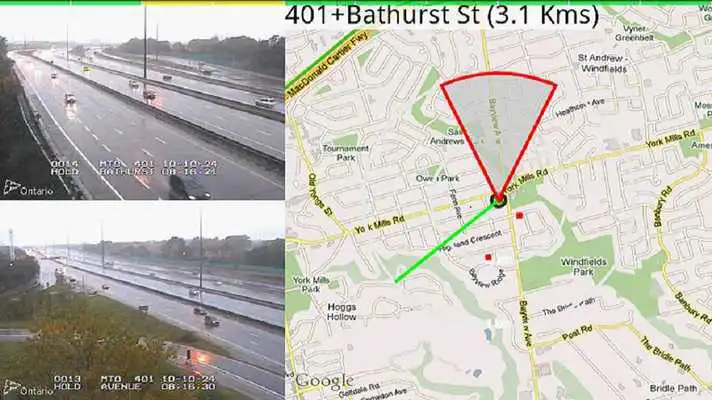
See up to ten Traffic Camera Views ahead of you in the predicted direction of travel! *** Unique Feature ***
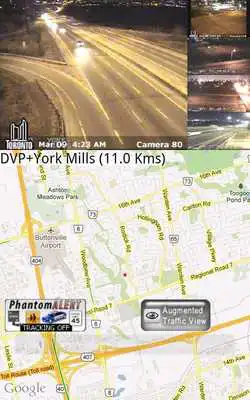
See Real-time Traffic around you using Google Maps
Support for PhantomAlert POIs
Try Landscape view to see two cameras at a time and to access addition views on higher res screens (swipe up/down).
Optimized for the Galaxy Tab, Note and high-res screens
- On high-res displays, there is unique support for portrait vs landscape orientations. You must start the app in the desired orientation to see the unique customizations.
- In landscape mode, you can swipe up (to switch to a map-only view) or you can swipe down to see all cameras in the look-ahead buffer.
- Galaxy TAB Portrait mode has a special custom view with 4 traffic cameras! *** Unique Feature ***
Traffic cameras for over 60 cities across North America and London UK. In Canada, Ottawa/Toronto and Vancouver are supported. Your location is used to automatically load the closest traffic cameras. In Canada, the metric option is enabled automatically.
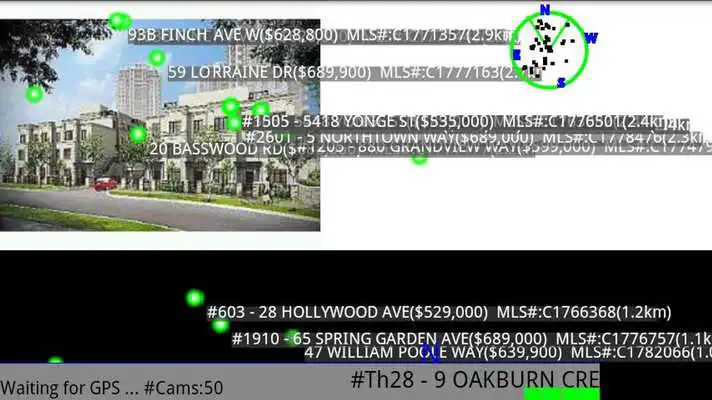
Augmented Reality View of traffic cameras or real-estate (Canada) *** Unique Feature ***
Location-based Real Estate as you drive across Canada. See detailed help.*** Unique Feature ***
Smart mode learns as you drive to optimize the showing of cameras in your learned routes *** Unique Feature ***
In addition, the real-time traffic map will periodically and automatically zoom out and pan in the predicted direction of your travel to show you more of the real-time traffic ahead of your current predicted travel!
New in 3.4 - Speech Commands - Swipe Left to initiate - Say "what can I say" for help
- In Toronto you can say "680 News" for example
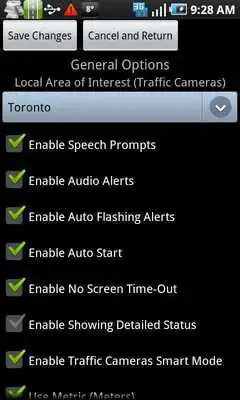
The app is highly configurable (please see the detailed help option). However the default settings should allow you to be up and running immediately.
see augmentedtraffic.wordpress.com for many more details.
Please consider emailing [email protected] if you have any issues.
Also please consider rating this app!
*** Unique Feature *** Means that there is no other app on the Android market (or iPhone or other) that has this feature!
Updates:
- Toronto cameras updated- Support for Sony Smart Watch (see blog for how to configure)
3.7.0:
1) Minor Bug fixes
2) Optimized for the Galaxy Note Augmented Reality mode
3) Updates to Chicago Cameras
4) Support for Sony SmartWatch - see augmentedtraffic.wordpress.com for more info
5) Digital Metawatch support for speed limit and red light camera alerts for true hands-free and noise-free driving
Augmented Traffic Views from UptoPlay.net
Page navigation: