


Weather - Quick Settings Tile
Weather
The official app & game
Distributed by UptoPlay
SCREENSHOTS
DESCRIPTION
Use UptoPlay to play online the game Weather - Quick Settings Tile.
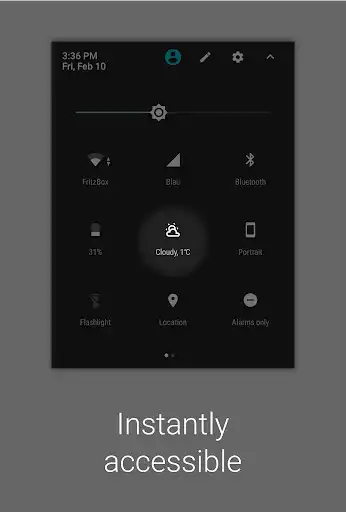
This app let's you add a small Weather Tile to your Quick Settings Bar on Android Nougat (7.0)!
The text shows you the current temperature while a small icon displays one of 12 different weather conditions.
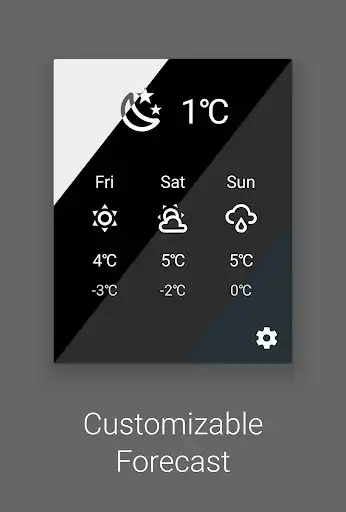
Clicking the tile will update the weather data. When clicked, a small Forecast for the next three days opens.
You can configure the tile by tapping it and change, whether you want to use Celsius or Fahrenheit, if there should be a small weather description and how often it should refresh automatically. You can also choose one of five background colors for the forecast window.
The weather data is based off of your current location and gets downloaded automatically from http://openweathermap.org or http://darksky.com
App Icon and UI by Adam Lapinski: http://www.yeti-designs.com
Weather Icons by Austin Andrews: https://twitter.com/Templarian
Enjoy with UptoPlay the online game Weather - Quick Settings Tile.
ADDITIONAL INFORMATION
Developer: Florian Möhle
Recent changes: - Widget: Fixed transparent widget resetting color (Thanks to Max H!)
Page navigation: