


START - Remote PC Controller
START
The official app & game
Distributed by UptoPlay
SCREENSHOTS
DESCRIPTION
Use UptoPlay to play online the game START - Remote PC Controller.
Control your Windows PC now with a great ease!! First app than can launch the Windows Store Apps in the PC from the Android over Wi-Fi (NO INTERNET CONNECTION REQUIRED FOR LAUNCHING).
Requires a server side software. Download it from : https:https://drive.google.com/file/d/0B17jChDV4MyZRjloZ1hXT2YtcDQ/view?usp=sharing
Features :
1. Launch the metro apps.
2. Launch Control Panel.
3. Run any valid Command of CMD.
4. Track-pad.
5. Restart and Shutdown the PC.
6. Run CMD commands with Speech Recognition (Require Internet on connected server)
Process:
1. Connect your android device with your windows PC via hotspot created from your laptop.
2. Download the server software (for PC) from the given links above.
3. Install both the applications on their respected devices.
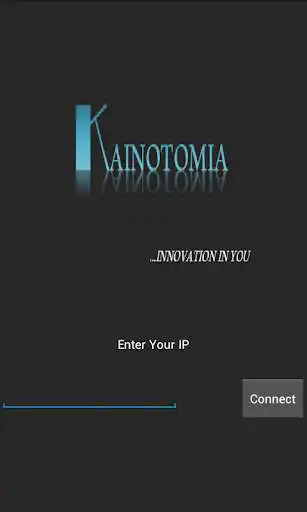
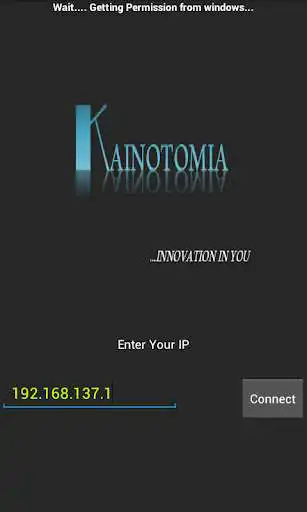
4. Enter the Local IP displayed on the server START into the client START to connect your Android Device with your PC.
5. Done!! Now Let's START!!
How to Start hotspot on your laptop??
Visit : https://www.youtube.com/watch?v=w-qYDAUXxOY
(No software required for creating Hotspot )
Enjoy with UptoPlay the online game START - Remote PC Controller.
ADDITIONAL INFORMATION
Developer: Nixal
Genre: Productivity
App version: 1.0
App size: 2.5M
Comments:
Its not connecting to my pc
Its not connecting to my pc
Page navigation: