


Server Control for Minecraft

Server Control for Minecraft
The official app & game
Distributed by UptoPlay
SCREENSHOTS


DESCRIPTION
Play this online game named Server Control for Minecraft.
RCON Server control for Minecraft is updated again!Soon more improvements in design and functionality!
Send me suggestions and tips to make this app better
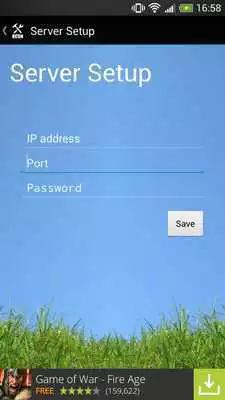
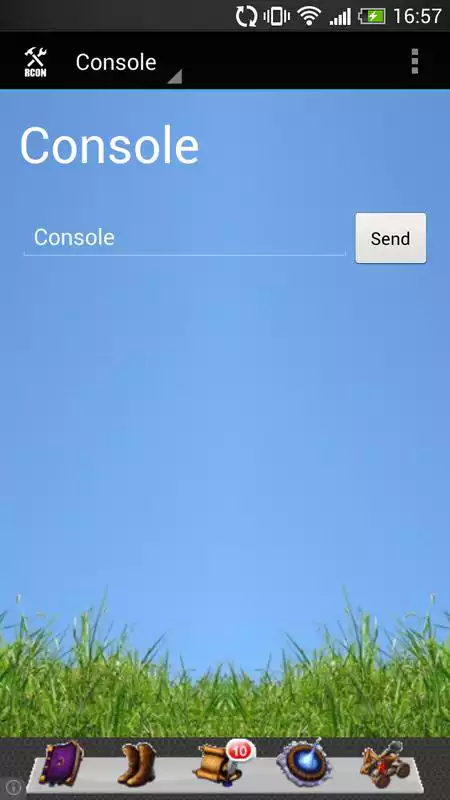
RCON Server control for Minecraft enables you to connect to your Minecraft server through RCON. You can send commands and chat to the server and take control of it.
Change in-game time or kick a player, all simply with a push of a button.
Make sure your server is configurated right for RCON.
--------------------------------------------------------------------
Short tutorial:
1. In the server directory, edit the server.properties file.
2. Change enable-rcon = false, to true.
3. Add the following 2 lines:
rcon.password = yourpassword
rcon.port = yourportnumber
4. Make sure the RCON port is configurated right in your router.
** This app is not created by Mojang, nor is it affiliated, or supported by them at all. **.
(Mojang is the company who created Minecraft.).
Updates:
Changes in design due copyright
Server Control for Minecraft from UptoPlay.net
Page navigation: