


Bee-Bot
Bee-Bot
The official app & game
Distributed by UptoPlay
SCREENSHOTS
DESCRIPTION
Use UptoPlay to play online the game Bee-Bot.
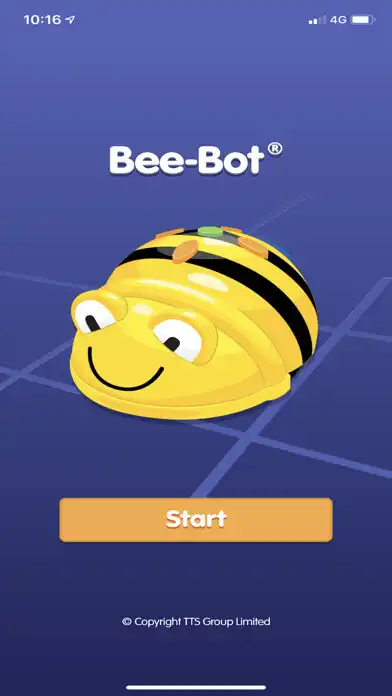
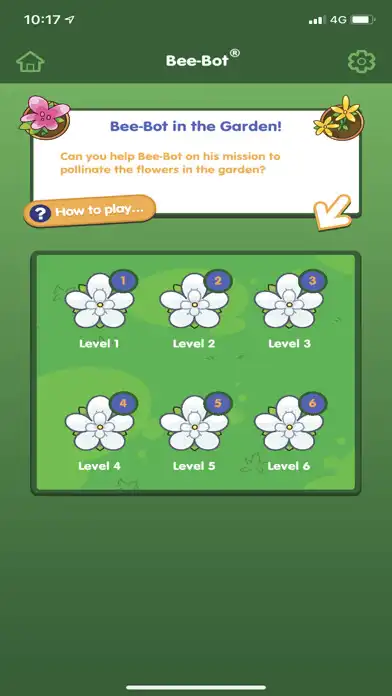
The Bee-Bot App from TTS Group has been developed for our well-loved, award winning Bee-Bot floor robot.
The App makes use of Bee-Bots key functionality and enables children to improve their skills in directional language, programming sequences of forwards, backwards, left and right 90 degree turns.
Enabling for the expansion of your Primary Computer Science lessons using Bee-Bot, the brand new Bee-Bot App expands students learning into other relevant curriculum areas.
Created with children in mind the Bee-Bot App has been optimised for enjoyable game play of children aged 4 and above.
We would love to hear which additional levels would benefit your lessons! Get in touch with us on Instagram at tts_computing or Facebook!
RM has worked hard to ensure that all relevant products services that might be accessed by children have been designed and implemented in accordance with the Children's Code/ Age Appropriate Design Code. We have closely followed the ICOs Code of Practice in order that childrens data is processed in a secure and appropriate way. In addition, the Bee-Bot app does not in fact collect childrens data when it is being used.
https://www.tts-group.co.uk/privacy-policy.html
Enjoy with UptoPlay the online game Bee-Bot.
ADDITIONAL INFORMATION
Developer: TTS Group
Genre: Educational
App version: 1.60
App size: 45M
Recent changes: All new levels! Bee-Bot Visits a Winter Wonderland. Help Bee-Bot collect hot chocolate and ski to the finish line.
Comments:
I'm a Year 1 teacher and use real Bee-Bots in school (teaching algorithms). This is great activity to set for homework so the children can practise inputting instructions. It also helps them to relate the 3-D physical with the 2-D screen. Simple by but effective.
This app has potential, at the moment it's lacking depth. The issue is the previous commands entered not being shown on the screen meaning you need to memorise the moves completed so far, making this game more difficult to play.
This looks amazing, so I'm so dissapointed. The app is basically useless without displaying the entered commands, and allowing the user to check before pressing go and to edit mistakes. Have I missed something?
Seems a good game but as others have said without the ability to see your entered commands it's a bit lacking
Either I am missing something, or this is awful. Why is there no list of the commands you have entered, and ability to edit / debug the code stack?!?'
Page navigation: