


polleT: Create or attend polls
polleT: Create or attend polls
The official app & game
Distributed by UptoPlay
SCREENSHOTS
DESCRIPTION
Use UptoPlay to play online the game polleT: Create or attend polls.
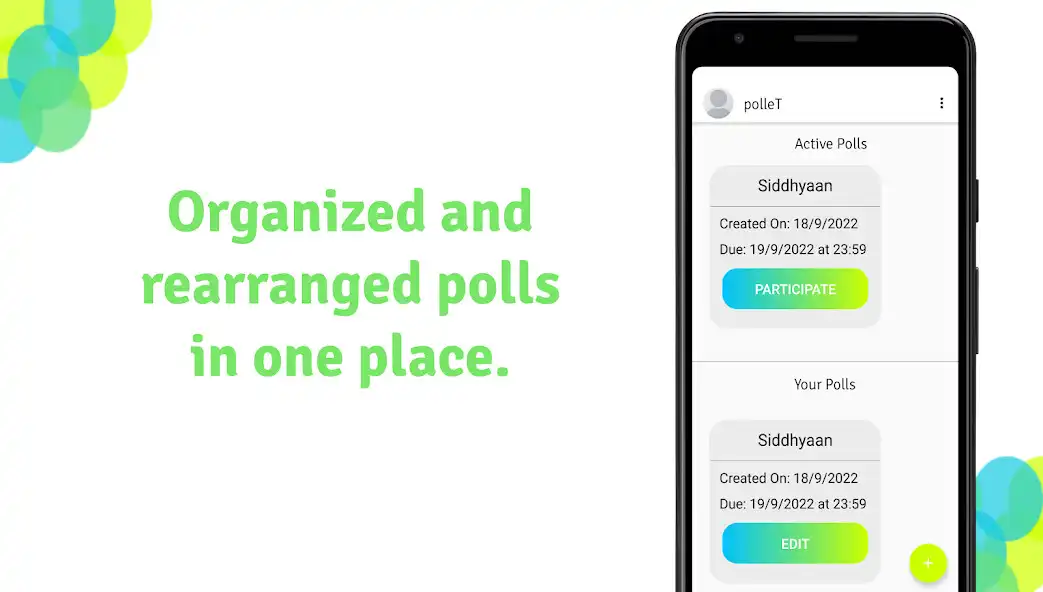
polleT helps you to organize and attend voting or polling events!
Features -
Create customized polls
Attend polls
100% secret votes
Auto-handling of due date and due time
Easy and great user interface
Guides -
Create a poll
Click on the + button on the home screen to create a poll
Add the required candidates and click continue to add details of the poll
Fill the name and instructions for the poll, add the due date and due time and click CREATE to start a poll.
Editing a poll
Click on any of the polls below the Your Polls section which are active.
A screen showing some of the stats like the leading candidate will appear.
Add voters and editing candidates
Click on any of the polls below the Your Polls section which are active..
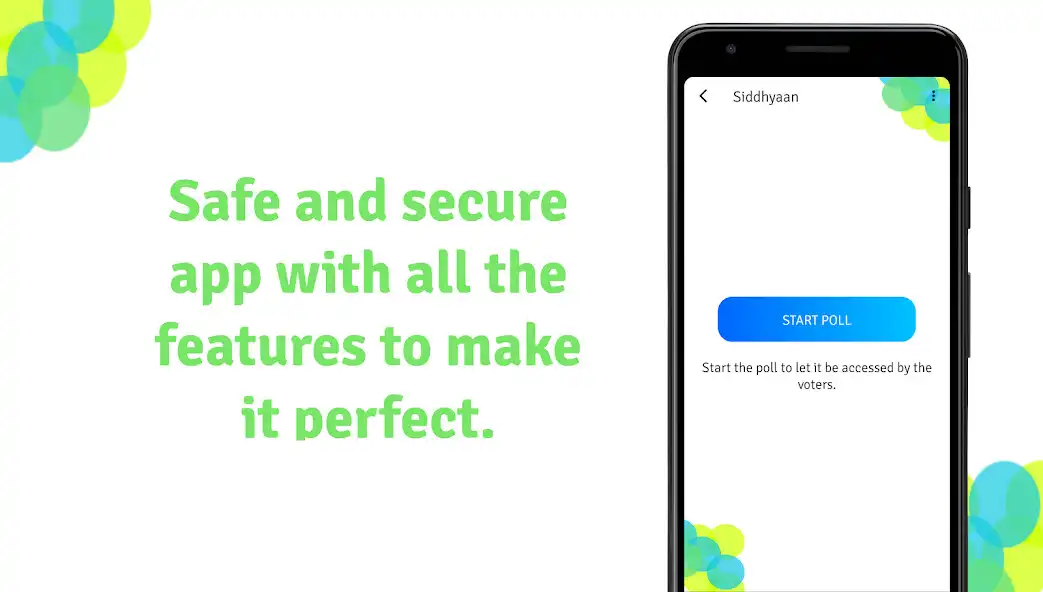
Click on the START POLL button will appear (if the poll is not started)
Click on the three dots on the top-right corner of the screen and click Add voters to adding/deleting voters for the poll or click See/edit candidates for adding/deleting candidates.
Click on the + sign on the top-right corner of the screen, dialog box will appear.
Enter the email id of the voter for adding a voter or Enter the name of the candidate for adding a candidate respective to the task.
Starting a poll
Click on any of the polls below the Your Polls section which are active..
Click on the START POLL button will appear (if the poll is not started)
Click on the OK button to cancel the poll
Click on the NO button to cancel the operation
Note: You can't edit anything after you start this poll.
Cancelling a poll
Click on any of the polls below the Your Polls section which are active.
A screen showing some of the stats like the leading candidate will appear. (if the poll is already started)
Click on the CANCEL POLL button below the Actions section or by clicking the three dots on the top-right corner of the screen, a dialog box will appear.
Click on the OK button to cancel the poll
Click on the NO button to cancel the operation
WARNING: You can't do anything with this poll after cancelling it, not even starting it again.
Seeing the statistics of a poll
Click on any of the polls below the Your Polls section which are active.
A screen showing some of the stats like the leading candidate will appear.
Click on the SEE STATS button below the Actions section or by clicking the three dots on the top-right corner of the screen.
A new screen named View stats will appear, it will show the overall statistics of the poll like the leading candidates, votes received by each candidate, etc.
Click on the three dots on the top-right corner of the screen to reload or filter the overall data.
Attending a poll(voting)
Click on any of the polls below the Active Polls section which are active.
A screen showing the name and instructions of the poll will open, click NEXT to vote
The name of the candidates will appear, click on the candidate you want to vote, the candidate will be selected.
Then click SUBMIT and a dialog box will appear
Click on VOTE to finally vote or click on CANCEL to reselect a candidate
------------------------------------------------------------------------------------------------------------------------------
Thanks
Siddhyaan
Enjoy with UptoPlay the online game polleT: Create or attend polls.
ADDITIONAL INFORMATION
Developer: Siddhyaan
Recent changes: Minor bug fixes
Page navigation: