


Keyboard Fast
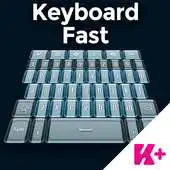
Keyboard Fast
The official app & game
Distributed by UptoPlay
SCREENSHOTS
DESCRIPTION
Play this online game named Keyboard Fast.
How to install a Keyboard Plus theme?Just follow these easy steps:
1. Download Keyboard Fast
2. Open the Keyboard Fast theme
3. Apply the theme by pressing the - Activate - button from the Keyboard Plus Theme Manager
If you want to change your font size just go to the Quick Settings Tab and choose from one of the 3 available sizes: small, medium or large.
This Keyboard Plus theme uses a free Google Font available here: http://www.google.com/fonts/specimen/Fjalla+One
All the Keyboard Plus themes come with a matching font that will be displayed automatically.
New Layouts with translations coming soon.
We are looking forward for your feedback so don't hesitate to contact us for any suggestions or other issues that you may have at the following address: [email protected]
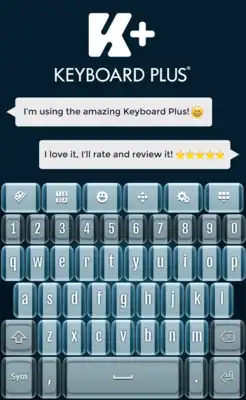
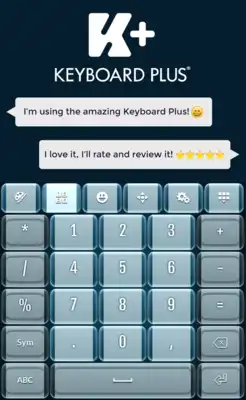
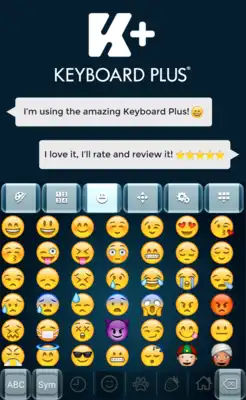
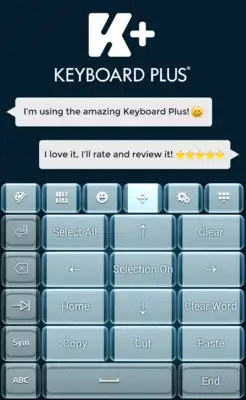
Be the first to reach the end line and win the competition. Download the Keyboard Fast theme and you will always be the first. If you have a competitive spirit you will love this Fast theme that will fit your needs perfectly. With the Keyboard Fast theme you will feel like a super hero. Don't let anything stand in your way, act fast and stay ahead of everyone. Don't just keep up, be the fastest and impress the world with your skills. Customize your smartphone and tablet with this unique Keyboard Fast theme and take the lead.
Updates:
Keyboard Fast from UptoPlay.net
Page navigation: