


Notification Counter - Tracking Analysing

Notification Counter
The official app & game
Distributed by UptoPlay
SCREENSHOTS
DESCRIPTION
Use UptoPlay to play online the game Notification Counter - Tracking Analysing.
You everyday are DISTRACTED to the countless number of notifications that DECREASE your productivity and concentration on important tasks and goals.
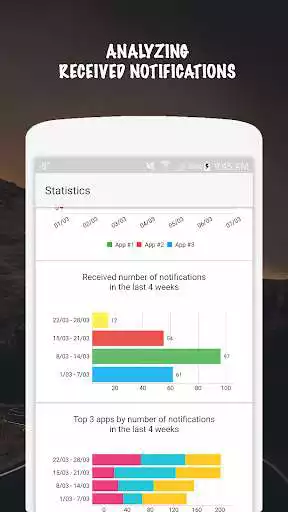
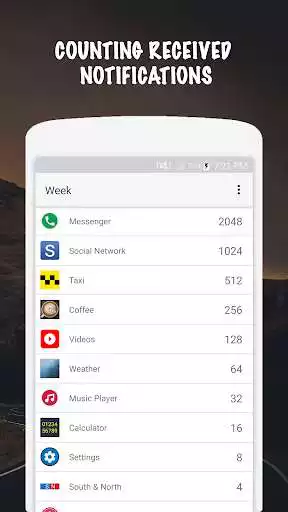
Notifications Counter counts how many times applications show you notifications. It lets you to find out which applications most often show you notifications.
TRACK the number of showed notifications by days, weeks and months.
HIDE from tracking applications that you dont want to track.
BLOCK application notifications that often show you ones.
All in app purchases are strictly optional donations.
XIAOMI USERS! ATTENTION!
XIAOMI phones block all background processes, so, to make "Notification Counter" count received notifications, you need to do next things.
1. Open "Settings"
2. On the tab "System and device" open the item "Battery & performance"
3. On the tab "Battery" open the item "Manage apps' battery usage"
4. On the tab "Battery Saver" open the item "Choose apps"
5. On the tab "Battery Saver' open the item "Notification Counter"
6. On the tab "Background Settings" select the item "No restriction"
7. Reboot device
Enjoy with UptoPlay the online game Notification Counter - Tracking Analysing.
ADDITIONAL INFORMATION
Developer: Night Lines
Recent changes: Some bug fixes
Page navigation: