


eBits

eBits
The official app & game
Distributed by UptoPlay
SCREENSHOTS
DESCRIPTION
Use UptoPlay to play online the game eBits.
eBits Extreme Bricks Infrastructure Traffic Simulator
Description
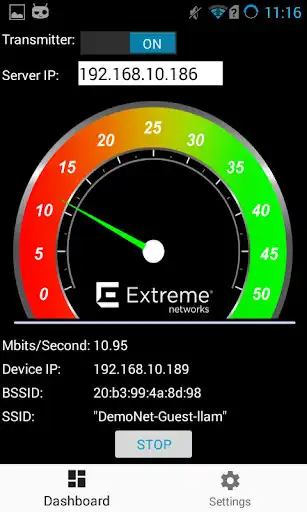
Extreme Bricks Infrastructure Traffic Simulator (eBits) Android application allows users to perform a quick validation of wireless network connectivity. By utilizing two devices running the eBits Android application, users can configure the Transmit / Receive node parameters along with defining the TCP settings on the transmitter in order to establish successful bi-directional communication validation between the two nodes.
How to use:
-Once the application has been successfully installed on two mobile devices, configure both devices to connect to the same Wireless SSID and validate successful IP Address assignment.
-On the node designated as the Transmitter, configure the setup parameters for the Receiver station by entering in the second nodes IP Address.
-On the node designated as the Receiver, configure the Transmitter option to OFF.
-Once the communication parameters have been set, press the START button on both devices. Traffic should be sent from the Transmitter node and received on the Receiver.
For more information on Extreme Networks, please visit http://www.extremenetworks.com/
Enjoy with UptoPlay the online game eBits.
ADDITIONAL INFORMATION
Developer: Extreme Networks
Genre: Tools
App version: 1.5.0
App size: 4.5M
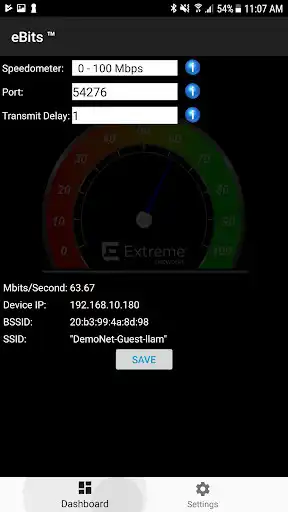
Recent changes: Added support for different speedometers.
Comments:
'I used this to test the wireless in my house.'Page navigation: