


Vibrant Keyboard Theme
Vibrant Keyboard Theme
The official app & game
Distributed by UptoPlay
SCREENSHOTS
DESCRIPTION
Play this online game named Vibrant Keyboard Theme.
How do I apply this theme?To apply this theme you need to follow these steps:
1. Install Vibrant Keyboard from Google Play store;
2. Open the theme;
3. Go to Theme Manager and press 'Installed' tab;
4. Find your theme and press 'Activate theme'
Do you want a custom font for this theme?
This theme comes with a free Google Font™ that will be activated the moment you install the theme. The font you can find it here: http://www.google.com/fonts/specimen/Monda
Do you have something to say?
For errors, bugs or suggestions please contact us at this email: [email protected]
Can I resize the font of my keyboard?
Yes, from Quick Settings you can change the size of your font from S-small, M-medium, to L-large.
Do you want more translations?
We have new layouts with translations coming soon. Be prepared!
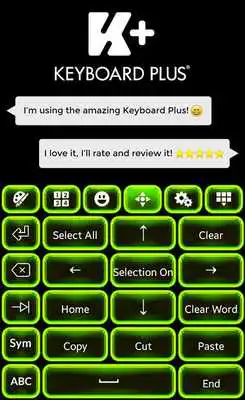
Make your keyboard vibrant with this brand new Vibrant Keyboard Theme!
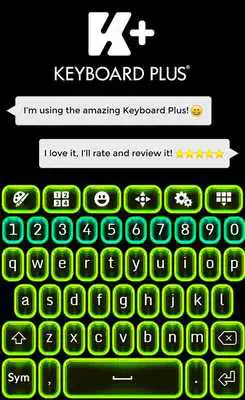
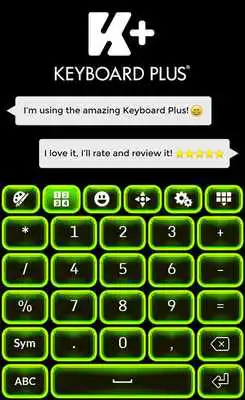
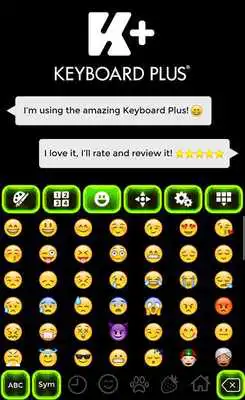
This crazy combination between green and turquoise neon is just what you need to feel your heart bumping and begging for energy and optimism. The neon effect is a real source of vibrant mood. Customize your gadget's keyboard with a flush of energy and good mood with this brand new Vibrant Keyboard. Share those news to everyone: This Vibrant Keyboard is a yet free app that you can have at the touch of your fingerprints from the store. You can also check our other free themes and don't forget to rate us!
Updates:
Vibrant Keyboard Theme from UptoPlay.net
Page navigation: