


Wireless PC Mouse Keyboard
Wireless PC Mouse Keyboard
The official app & game
Distributed by UptoPlay
SCREENSHOTS
DESCRIPTION
Use UptoPlay to play online the game Wireless PC Mouse Keyboard.
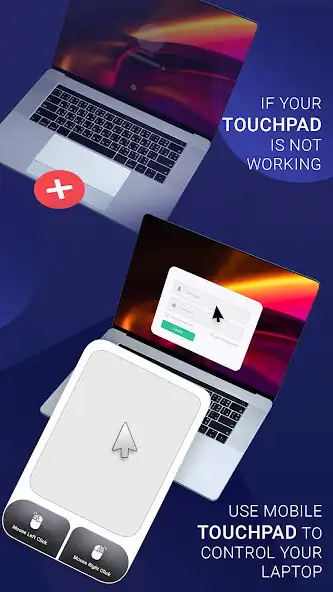
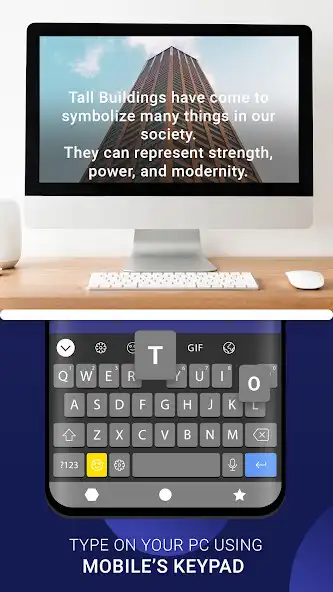
Use your phone as wireless keyboard or mouse to type in your PC, laptop, TV, Smart phone. Also use it to control media like play/pause or stop.
Features:
- Paired Device List:
- Connect to mouse and keyboard to click on paired devices & view detailed information such as device name.
- Available Device Discovery:
- Explore nearby Bluetooth devices and pair new connections.
- Connect to compatible PCs, Smartphones, Laptops, Android TV, etc.
- Mouse and Trackpad Functionality:
- Transform your Android device into a wireless mouse or trackpad.
- Smooth cursor control, left and right-click functionality and scroll gestures, all from your device's touchscreen.
- Keyboard:
- Use your phone system's keyboard to type in your Bluetooth-connected devices.
- Number Pad:
- Use the Numpad feature to type or write numbers in your connected Bluetooth PC or Laptops.
- Media controller:
- Control the media like play, pause, volume up/down, forward, backward, etc. functionality using the Wireless media controller feature.
- Voice Input:
- Enter text inputs in your pc, and laptops using voice Input features.
Enjoy with UptoPlay the online game Wireless PC Mouse Keyboard.
ADDITIONAL INFORMATION
Developer: Shradhika Apps
Page navigation: