


TecomPlus Mobile

TecomPlus Mobile
The official app & game
Distributed by UptoPlay
SCREENSHOTS
DESCRIPTION
Use UptoPlay to play online the game TecomPlus Mobile.
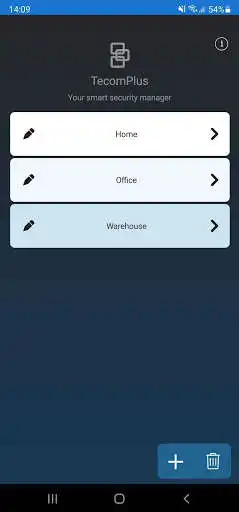
Managing the range of Tecom Plus series control panels has never been easier with the new TecomPlus Mobile app. The TecomPlus mobile app allows users to perform the most important functions on a mobile device. Now, you can control your ChallengerPlus system from anywhere, and combined with the TruVision video platform you can now also get video verification of live and recorded events.
The TecomPlus Mobile app communicates directly to any ChallengerPlus or ChallengerLEPlus panel running V10-07 firmware or above.
Control and view the status of Challenger devices from the palm of your hand. The simple but powerful interface allows you to open doors, arm/disarm areas, isolate inputs, control lighting, and test inputs and relays.
View panel history and outstanding alarms. The TecomPlus mobile app will directly display access and alarm events in the panel history buffer in a friendly, easy to read format. Notifications also allow users to quickly view any outstanding alarms or events, with a simple tap bringing you to right where you need to be to take action, all with the touch of a button.
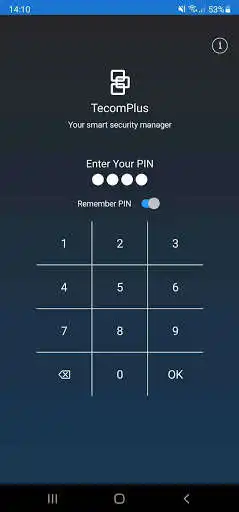
The TecomPlus mobile app allows you to control who can access the security system. You can program user PIN codes or access control cards, with added security of PIN authentication prior to viewing or modifying a panel. The TecomPlus mobile app also allows you to edit all user details, including access groups and expiry dates, as well as providing you with the ability to quickly and easily change your own PIN code without requiring full users access.
Enjoy with UptoPlay the online game TecomPlus Mobile.
ADDITIONAL INFORMATION
Developer: Carrier Fire and Security Australia
Genre: Productivity
App version: 2.0.5
App size: 64M
Recent changes: IUM users now supported.
Added buttons for Arm all & Disarm all on areas page, Door Override command for NAC doors.
Users page allows sorting user list by user number, inputs page uses an orange indicator when input unsealed.
Optimisations made to history event retrieval & button responsiveness when tapped.
Alarm group list now shows user-selectable alarm groups only.
Added new card formats “Verex 36 bit” & “Verex 40 bit”, corrected error when calculating card data for “HID ISCS 38 bit” format.
Comments:
Latest update improved all issues we had with the app. The only thing that needs to be fixed for us now is under inputs when an input is 'active' it's very hard to tell, the standard within the app elsewhere is called 'unsealed' and the status colour circles change colour but within inputs it doesn't change and it is very hard to distinguish if an input is active or sealed as the words are the only thing that changes.
Works well BUT... very hard to identify unsealed inputs. Scrolling through 100+ inputs to workout what is unsealed is a pain as currently only flagged with a tiny "active" mention, easily missed. A colour flag that changes to reflect open, closed, shorted inputs would be extremely useful.
Not bad. It would be great if you could customize the notification sound so you know you have an alarm and not an email or text coming through.
Need to fix error when trying to enable notifications with android devices. Also please add open door command to RAS menu. ✌️
Much easier to connect'
Page navigation: