


MIUI Style GO Weather EX
MIUI Style GO Weather EX
The official app & game
Distributed by UptoPlay
SCREENSHOTS
DESCRIPTION
Use UptoPlay to play online the game MIUI Style GO Weather EX.
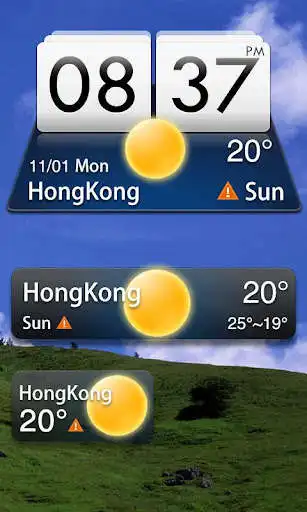
MIUI Style widget, supports 4*1, 4*2, 2*1 sizes. It delivers the most accurate weather information from anywhere at any time.
GO Weather EX - To Be Your Best Weather Prophet Forever!
How to apply the theme?
1. Make sure you have installed the latest version of GO Weather EX
2. Open the GO Weather EX->Press the themes->Click the "Installed" Tab->Click the "Widget"
3. Find the theme you have installed in "Widget" and click to apply it.
4. GO to the launcher homescreen and add the goweatherex system widget
How to add a Systerm Widget?
1. Press menu- choose add-choose Widgets-Find GO Weather EX
2. Make sure you have enough space for placing the widgets
Enjoy with UptoPlay the online game MIUI Style GO Weather EX.
ADDITIONAL INFORMATION
Developer: Lucky Art
Genre: Weather
App version: 1.3
App size: 1.1M
Recent changes: 1. (Fixed)The theme can not be applied!
Comments:
It will not work for newer versions of Android . This app was last updated in 2014 . So just stop giving bad ratings to this app .
The GO Weather widgets don't appear when trying to set them up now. Useless.
Does not work Note 9. Too bad. Its a food wearher theme
go weather EX giving false weather info
it asked me to play online another app. dislike'
Page navigation: