


Hisense Screen Mirror : Cast to tv & Screen Share
Hisense Screen Mirror : Cast to tv & Screen Share
The official app & game
Distributed by UptoPlay
SCREENSHOTS
DESCRIPTION
Use UptoPlay to play online the game Hisense Screen Mirror : Cast to tv & Screen Share.
Hisense screen Cast is a Smart Screen sharing app.
The Hisense screen Cast App is the best Screen Mirror - fast, easy and user friendly. Share your photos, videos, games, websites, apps, presentations and documents with your friends, family and co-workers. It has big advantages compared to the Hisense built-in Screen Mirroring based in Miracast.
Features of Hisense Screen Mirroring App:
Easily access your media files on the phone, including photos, music, and videos. Cast them on the big TV screen. Support IPTV cast.
Control TV remotely with your phone: adjust volume, pause, forward, rewind video with no delay.
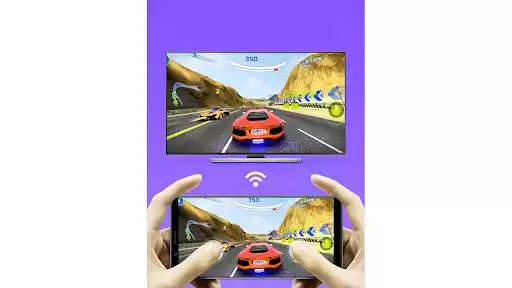
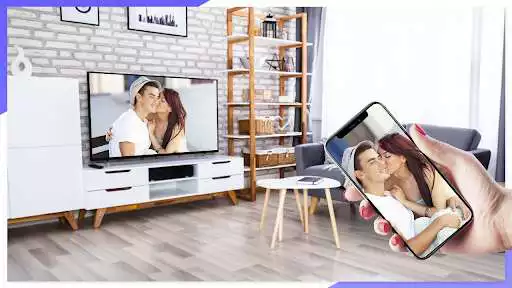
Cast a small phone screen to a big TV screen in high quality.
Cast IPTV, watch videos on TV stably.
Cast music and audio files to TV.
Share a web browser to the TV.
Auto search for available cast devices.
Mirror your phone's screen wirelessly to a smart TV in real-time.
Support video casting, music casting, and slideshow casting.
Mirroring, screencast with DLNA devices such as Smart TV/IPTV
Multiple Devices Supported
- Roku Stick & Roku TV
- Most smart TVs, LG Smart TV, Samsung Smart TV, Sony Bravia, TCL Smart TV, Xiaomi MI TV, Hisense Smart TV, Insignia Smart TV, etc.
- Google Chromecast
- Amazon Fire Stick & Fire TV
- AnyCast
- Other DLNA Receivers
- Other wireless and Miracast adapters
Disclaimer: This app is not affiliated with any of the trademarks mentioned here.
Enjoy with UptoPlay the online game Hisense Screen Mirror : Cast to tv & Screen Share.
Page navigation: