


Remote projector
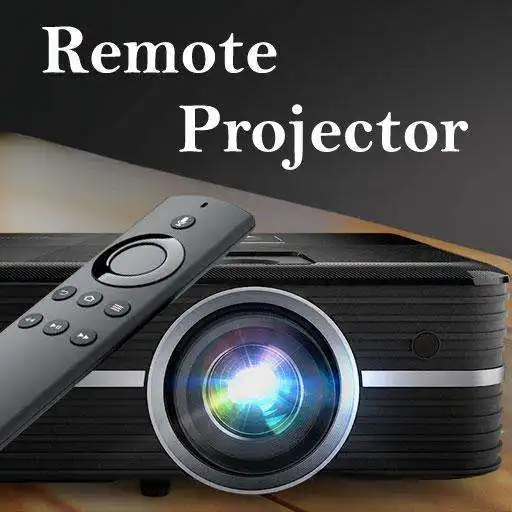
Remote projector
The official app & game
Distributed by UptoPlay
SCREENSHOTS
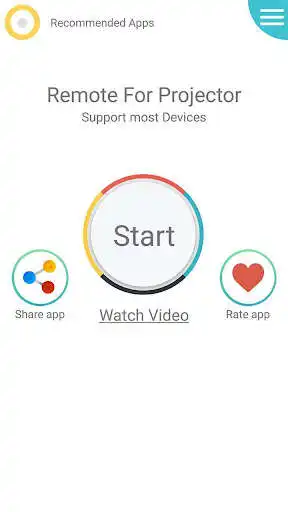
DESCRIPTION
Use UptoPlay to play online the game Remote projector.
The application is a Remote projector created to replaced the real remotes losted or not working to control different devices models.
At the next part we will mentioned features and functions that make this app very professional:
The most Key features of this Projector Universal Remote app:
* Amazing design with cool & easy interface.
* Simple and easy to used.
* Save your favorite remotes for easy access.
* Support all most popular model and brand.
* Multi Option of controlling: Shutter on/off and Input selection etc...
* Compatible with all device 4.4 version and above, Most phones with IR blasters support this application.
Guide to used this application, following all steps:
.
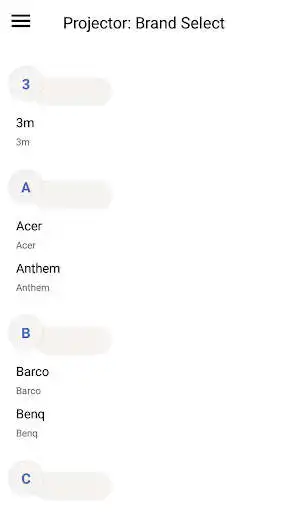
* Select your brand and device model.
* Test one by one to find the compatible IR code.
* Save your projector device in the favorite list.
Disclaimer:
- This Universal remote projector has no relation to any brand, we have just developed this App for users convenience to provide multiple devices in one package.
- The Remote Control based on IR Technique, your phone should support Infrared sensor.
If your brand is not listed or not working with your devices selected, please drop us an email with your brand and model. We will work with our team to make it compatible with your devices.
Any question or feedback about our Remote Control For Projector, contact us.
Enjoy with UptoPlay the online game Remote projector.
ADDITIONAL INFORMATION
Developer: UB Technologies
Genre: Tools
App version: 18.1
App size: 17M
Comments:
Not universal. Universal means you can manual program the ir blaster when the brand isn't listed. .... Push off button until device turns off. Also ads method is to aggressive.
Very bad app. Too many ads. Even my projector is not supported.
Too many ads, it doesn't have parrot product projector remote
Didn't work, no laser in a cell phone
Doesnt have any RCA devices'
Page navigation: