


PC Bio Unlock
PC Bio Unlock
The official app & game
Distributed by UptoPlay
SCREENSHOTS
DESCRIPTION
Use UptoPlay to play online the game PC Bio Unlock.
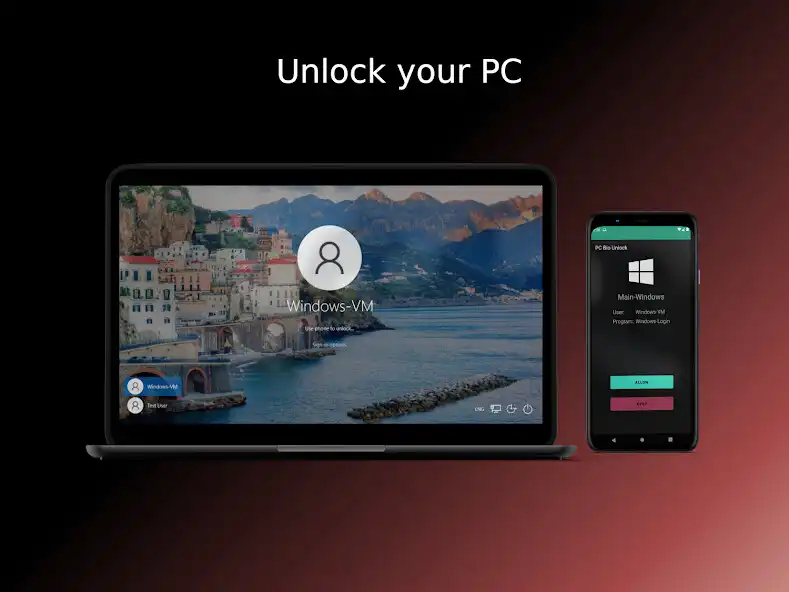
PC Bio Unlock allows you to unlock your pc with your phones biometric scanner.
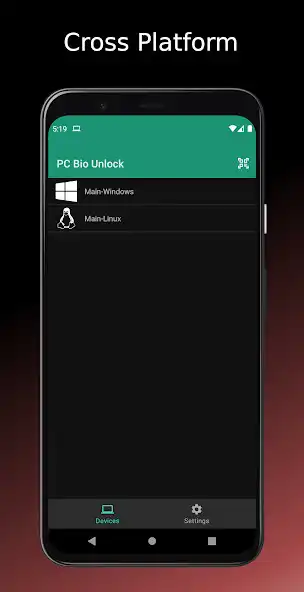
Windows and Linux are supported.
Windows Features:
- Unlock the Windows Login/Lockscreen
- Unlock UAC prompt
Linux Features:
- sudo unlocking
- polkit (pkexec) unlocking
- GNOME, GDM, KDE and SDDM
Pairing Methods:
- WiFi
- Bluetooth (needs WiFi for initial pairing)
There is a Pro version providing additional features:
- Auto Unlock (when phone is in WiFi or Bluetooth range)
- Wear OS Notification (allows unlocking through a watch)
- Unlimited devices
Security:
During the pairing process, a random key is generated to encrypt all traffic between your devices. This key is inaccessible for normal users. Your login data is stored encrypted on your phone.
Additional Notes:
For pairing, both devices need to be in the same network or WiFi. The pairing server uses port 43295 by default. If you use a custom firewall it might be necessary to add a rule for that port. The unlock process can be aborted anytime on the PC by pressing Ctrl+Alt.
Get the desktop app: https://meis-apps.com/pcbu
Checkout our Github: https://github.com/MeisApps
Support:
Having any issues ? Write an E-Mail to [email protected]
Enjoy with UptoPlay the online game PC Bio Unlock.
ADDITIONAL INFORMATION
Developer: Meis Apps
Recent changes: - Crash fixes
- Add GitHub and Install link to settings
Page navigation: