


TruGrid Authenticator v2

TruGrid Authenticator v2
The official app & game
Distributed by UptoPlay
SCREENSHOTS
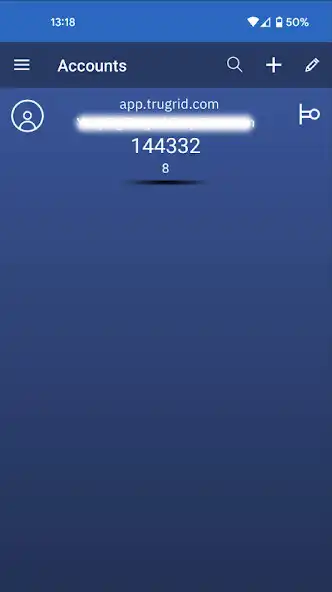
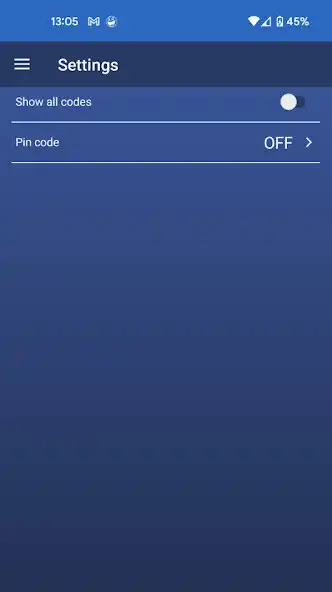
DESCRIPTION
Use UptoPlay to play online the game TruGrid Authenticator v2.
(Note: This v2 is the most recent version of the TruGrid Authenticator application)
TruGrid Authenticator v2 works with TruGrid.com and any site that supports Google Authenticator or TOTP-based two-factor authentication.
When used with TruGrid.com, Push Authentication is enabled by default.
Improve your account security with an easy-to-use multi-factor authentication application. Provides an additional layer of security when signing in to accounts, so that even if someone had your password, they could not access your account.
Once setup, when you sign into your account, you will use your login and password PLUS a one-time, rotating passcode generated from the TruGrid Authenticator. This will work even if you are temporarily offline.
FEATURES:
- Push Authentication (only with TruGrid.com)
- Supports any TOTP-compatible sites that already supports Google Authenticator
- Quick setup via QR code scan
- Add as many accounts as you would like
- Edit account nicknames
- Search for accounts
- Setup PIN code
When using the TruGrid Authenticator v2 on TruGrid.com or any other website that supports MFA, just scan the QR code when prompted.
HOW TO USE IT
1. Download the TruGrid Authenticator v2 to your mobile device
2. Enable MFA (or sometimes called 2FA) on your account. Note: This is enabled by default when logging into TruGrid.com accounts
3. When prompted with a QR code, select Add in TruGrid Authenticator v2 to scan and add the new account
4. Select the new account row added in TruGrid Authenticator v2
5. Enter code from TruGrid Authenticator into your site, app or service
Enjoy with UptoPlay the online game TruGrid Authenticator v2.
ADDITIONAL INFORMATION
Developer: N.E. Desktop Software, Inc.
Recent changes: - added supporting Android 13
Page navigation: