


Miracast Player
Miracast Player
The official app & game
Distributed by UptoPlay
SCREENSHOTS
DESCRIPTION
Play this online game named Miracast Player .
Miracast Player is playwfd,miracastplayer,media,video,miracast,player, content rating is Everyone (PEGI-3). This app is rated 4 by 4 users who are using this app. To know more about the company/developer, visit playwfd studio website who developed it. com.playwfd.miracastplayer.apk apps can be downloaded and installed on Android 4.2.x and higher Android devices. The Latest Version of 1.2 Available for download. Download the app using your favorite browser and click Install to install the application. Please note that we provide both basic and pure APK files and faster play online speeds than APK Mirror. This app APK has been downloaded 95175+ times on store. You can also play online com.playwfd.miracastplayer APK and run it with the popular Android Emulators.
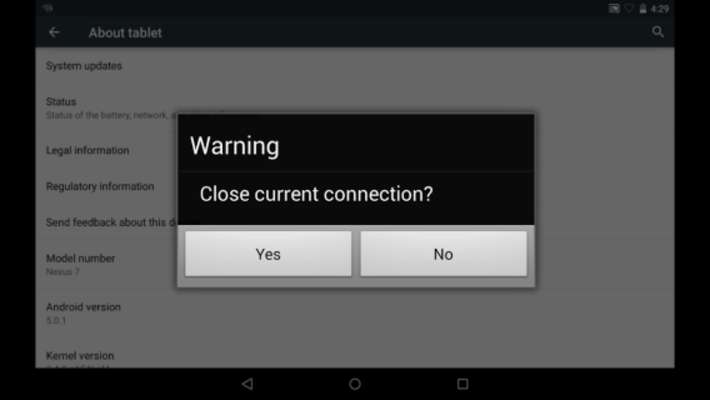
Miracast Player is an application to support cast screen between Android devices. The device running this application will be a wifi display sink and can be connected by another Android device via "Cast Screen". Usage:
1. Start the application on the 1st Android device. It will display a device name, e.g. "Sink-645A3E"
2. On the 2nd Android device, click Settings->Display->Cast Screen (Wireless Display/AllShare/Share Cast/ScreenMirror)
3. Wait until the name of the 1st device is displayed in the 2nd device
4. Click the device name to connect.
When connection is established, the two devices will have the same screen

Known issues:
1. HDCP is not supported: some devices may enforce HDCP encryption when it is running as a wifi display source, then the device running this application can't display the screen content of the source device.
2. Connection issue: sometimes the connection may not be established. Please try to turn off or turn on wifi or re-boot the devices
3. Playback issue: sometimes the two devices are connected with messages like "connected by a source", and then get issues on the following playback (e.g. blackscreen), please enable "Don't use built-in player" or "Use built-in wifi display" if they are availbe
Updates:
Miracast Player from UptoPlay.net
Page navigation: