


HD Camera - Filter Cam Editor

HD Camera
The official app & game
Distributed by UptoPlay
SCREENSHOTS
DESCRIPTION
Use UptoPlay to play online the game HD Camera - Filter Cam Editor.
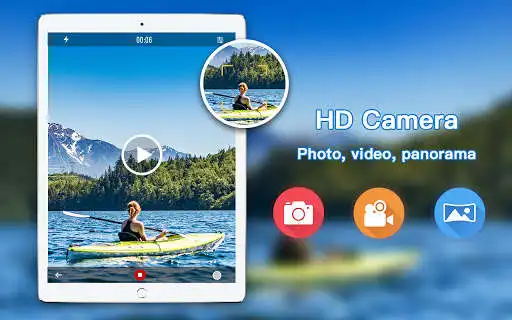
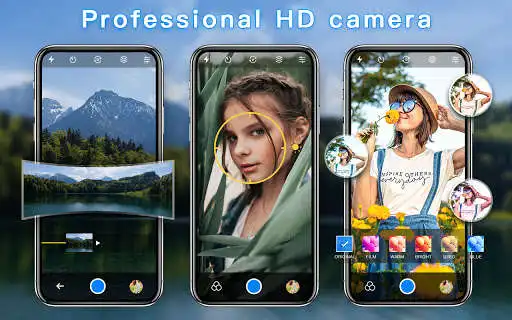
HD filters Camera - Papajo is a fully-featured free Camera app, with Quick Snap and HD videos, and offers Photo Sphere, and another creative photo mode. Easy to Shoot professional Camera Effects, Real-time Preview of the beautiful Photo and video filters Effects.
Key Features:
HD Camera:Support for Quick Snap, HD Video Capture, Panorama
Amazing Filter:There are more than 20 beautiful and funny filters
Photo Gallery:Easy to view your HD photo and HD video
Beautiful Scene:Sports, Night, Sunset, Party
White Balance:Auto, Fluorescent, white, daylight, cloudy
Easy to use:Setting Timer for auto shooting photo
Focus:Optical / digital zoom, tap to focus, focus halo display
AF Mode: infinity, Macro
Photo Resolution:Support a variety of resolutions by your choice
Accurate location:Record the shooting location information
Exposure:Adjusting the Exposure value for taking pictures
HD Video capture:Tap to take a photo when shooting video
The powerful editor
Tune: contrast, sharpen, highlight, saturate, shadow, exposure, hue, color temperature, BW
Filter and sticker
Curve toning
Brush and text
Photo collage
Layout, border, background
Add stickers and filters
select photos to replace, swap, rotate
Set tune of the photo collage and resize
Other Features
The front and the rear camera toggle
Flash toggle
Volume key to take a photo
Reference Line
setting the path for shooting photo and video
HDR
HD Camera - Papajo allows you to shoot an excellent photo in a fast and simple way. Immediately download, capture beautiful pictures.
Enjoy with UptoPlay the online game HD Camera - Filter Cam Editor.
ADDITIONAL INFORMATION
Developer: Dreams Room
Recent changes: 1. Add portrait mode background blur function
2. Grid line optimization (add more options for golden section lines)
3. More modes - add HDR mode
4. Add exposure value lock
5. Add vignetting function
6. Hide the status bar
7. Optimize the more mode interface at the bottom of the photo
Page navigation: