


Video Converter & Compressor (MP4, AVI, MOV, MKV)

Video Converter & Compressor (MP4, AVI, MOV, MKV)
The official app & game
Distributed by UptoPlay
SCREENSHOTS
DESCRIPTION
Use UptoPlay to play online the game Video Converter & Compressor (MP4, AVI, MOV, MKV).
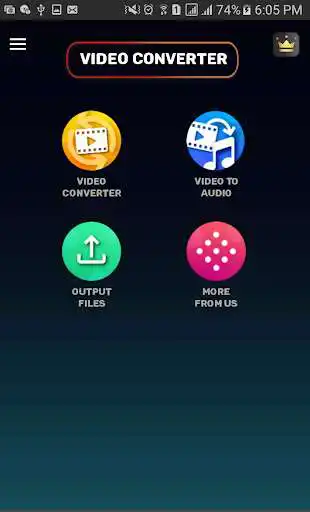
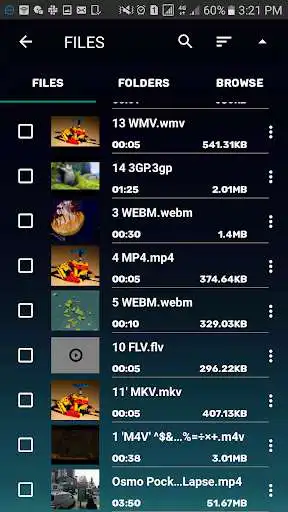
Fast batch video Converter that supports converting, compressing to Video or Audio formats. You can queue videos to convert one after another automatically. It supports Converting Video to Audio formats. This Video converter and Compressor supports changing resolution and bitrate of the video. Its high quality compression feature allows it to convert videos by maintaining original quality. Its lossy compression feature allows to convert and compress the video to desired file size.
SUPPORTED FORMATS:
MP3, MP4, MKV, AVI, 3GP, FLV, MTS, MPEG, MPG, M4V, MOV, VOB, WMV, WEBM, AAC, AC3, WAV, OGG, M4A, FLAC.
KEY FEATURES:
** Fast Video Converter. Supports batch of video conversion.
** Convert MP4, MKV, AVI, 3GP, FLV, MTS, MPEG, MPG, M4V, MOV, VOB, WMV, WEBM to other video and audio formats.
** Fast Video compression. Save your memory by compressing and changing the resolution of your video file.
** Compress MP4, MKV, AVI, 3GP, FLV, MTS, MPEG, MPG, M4V, MOV, VOB, WMV, WEBM formats.
** Supports both High quality and Lossy compression. Change video resolution and bitrate to compress the video.
** Supports showing estimated video size before video conversion starts when compression is enabled.
** Fast Video to Audio Conversion. Supports Audio Compression by encoding to CBR or VBR.
The above features work faster than any app in the market. This will save your time considerably. This MP3, AAC, AC3, WAV, OGG, M4A, FLAC, MP4, MKV, AVI, 3GP, FLV, MTS, MPEG, MPG, M4V, MOV, VOB, WMV video audio Conversion and Compression app for android is all you need for your converting and compressing need.
Enjoy with UptoPlay the online game Video Converter & Compressor (MP4, AVI, MOV, MKV).
ADDITIONAL INFORMATION
Developer: A K M Fakhruddin Mahamud
Genre: Tools
App version: 0.2.1
App size: 70M
Recent changes: + Fixed issue for file size not reducing in High Quality compression.
+ Major changes in UI.
+ Added Audio track and Subtitle track selection.
+ Added video Rotation and Flip.
+ Added Frame Rate selector.
+ Added option to set Custom Resolution and Custom FPS.
Comments:
`needed to convert mpeg files to mp4 in order to view video not just audio on chromebook and to have a usable format for my kinemaster this was perfect it ran in the background while converting a few ads but not bombarding exactly what i needed for my youtube channel !! thank you! i deff recommend it for beginners and/or amateur videographers with kinemaster, youtube, memorial tributes, etc... thank you thank you thank you. check out my channel "a sunflower's vantage point"`,Does exactly what it's supposed to do! I wish all developers were as good as these guys. I'll buy the pro version very soon. Thank you for your hard work. Ads are few and quick, love it.
I am using the free version of this great app. Soon I will be buying the Ad-free version, but, firstly I have a concern. When I buy a new Android phone, in the future, will my subscription follow me to the new phone or will I have to buy a new subscription? Edit Update: From the developer: Thanks for the review. The subscription will automatically sync with your new device and for that you have to use the same google account on new device.
This app is awesome. It converts to multiple different file types. The best thing about this app... Is that actually works. Highly recommended. The only downfall is if you don't keep the app running on the main screen, like in the background, it will cause the conversion to fail and you will have to start all over again. Other than that, best conversion app I found so far.
It did the job right for me when I wanted to turn .mov videos to mp4. I'd recommend !"
Page navigation: