


Easy Mirroring Cast Screen
Easy Mirroring Cast Screen
The official app & game
Distributed by UptoPlay
SCREENSHOTS
DESCRIPTION
Play this online game named Easy Mirroring Cast Screen.
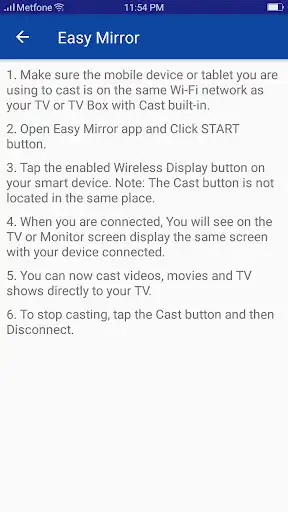
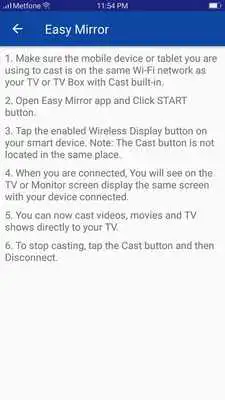
How to use:1. Make sure the mobile device or tablet you are using to cast is on the same Wi-Fi network as your TV or TV Box with Cast built-in.
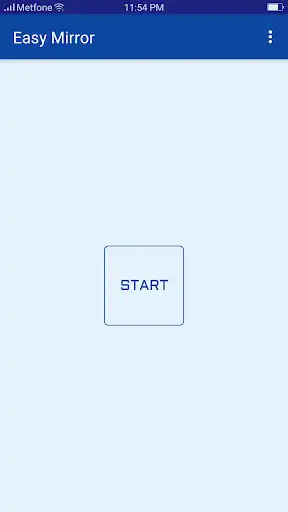
2. Open Easy Mirror app and Click START button.
3. Tap the enabled Wireless Display button on your smart device. Note: The Cast button is not located in the same place.
4. When you are connected, You will see on the TV or Monitor screen display the same screen with your device connected.
5. You can now cast videos, movies and TV shows directly to your TV.
6. To stop casting, tap the Cast button and then Disconnect.
Updates:
Easy Screen Mirroring
Easy Mirroring Cast Screen from UptoPlay.net
Page navigation: