


ChaCha3D

ChaCha3D
The official app & game
Distributed by UptoPlay
SCREENSHOTS
DESCRIPTION
Use UptoPlay to play online the game ChaCha3D.
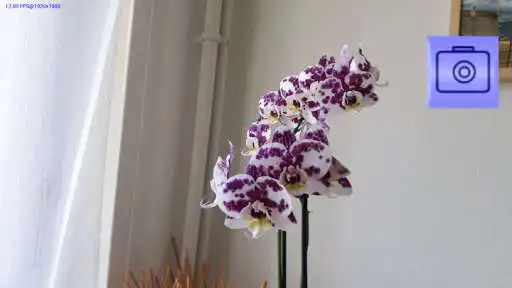
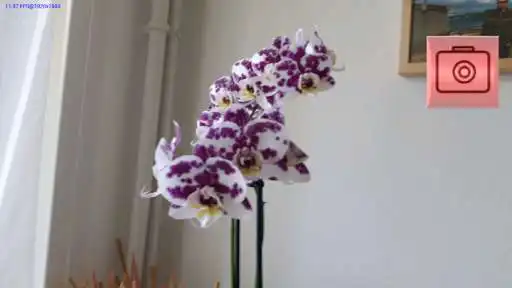
To take a 3D picture with ChaCha3D on Your smart phone is as easy as dancing cha-cha. You can do it on 4 steps:
1. Step on Your right leg and take a picture.
2. Step on Your left leg and take a picture.
3. Select, scale and crop the picture.
4. Save the 3D image by gesture "scale down".
The picture are saved in the DCIM/ChaCha3D folder which is public. All apps can acceded to your pictures and you can view it in the gallery.
Enjoy with UptoPlay the online game ChaCha3D.
ADDITIONAL INFORMATION
Developer: Konstantin Startchev
Genre: Photography
App version: 1.9
App size: 12M
Recent changes: Improved interface (translation)
Improved rectification algorithm - constrain the solutions to minimise rotation.
Page navigation: