


Play Robot Car
Play Robot Car
The official app & game
Distributed by UptoPlay
SCREENSHOTS
DESCRIPTION
Use UptoPlay to play online the game Play Robot Car.
If you are planning to make Arduino project which you want to control with Android device via Bluetooth, then this application may help lot!
Feature:
1.Arduino code use Standard Firmata Library.
\tHow to program Firmata code to Arduino Board.
\thttp://www.instructables.com/id/Arduino-Installing-Standard-Firmata/
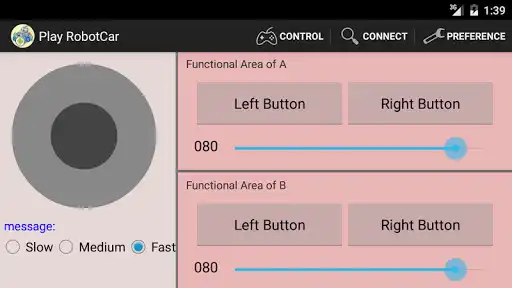
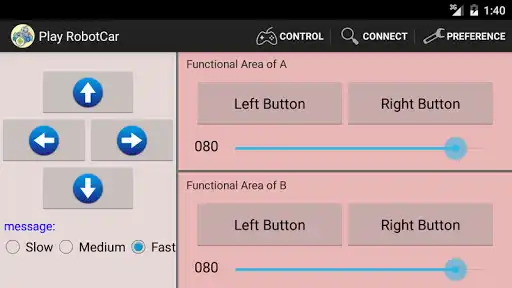
2.You can use the arrow buttons or the joystick to control Robot Car.
3.Through preferences, you can:
a. choose three different modes (continuous rotation servos, angle servo or DC servo motors).
b. you can set the pin number.
c. you can set button names
Hardware Device:
1.Arduino Board or compatible Board.
2.Bluetooth Module. ex:hc-05 or hc-06, Bluetooth Module Tx to PIN 0,Rx to PIN 1.
3.Continuous rotation servos, angle servo , DC servo motors.
Guidelines for app:
1.Open "Play Robot Car", click Connect Device button to pair your Android device with Bluetooth Module.
2.Click Preference in option menu to set the pin number and button names.
Enjoy with UptoPlay the online game Play Robot Car.
ADDITIONAL INFORMATION
Developer: licf
Genre: Tools
App version: 1.1.1
App size: 982k
Recent changes: Use Android App Bundle
Comments:
'Thanks for updating this, we use in our classroom'Page navigation: