


Bishop: The SWORD Project for Android
Bishop: The SWORD Project for Android
The official app & game
Distributed by UptoPlay
SCREENSHOTS
DESCRIPTION
Use UptoPlay to play online the game Bishop: The SWORD Project for Android.
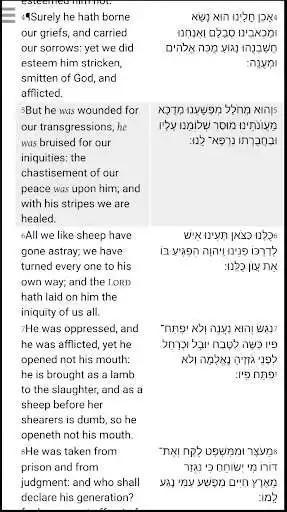
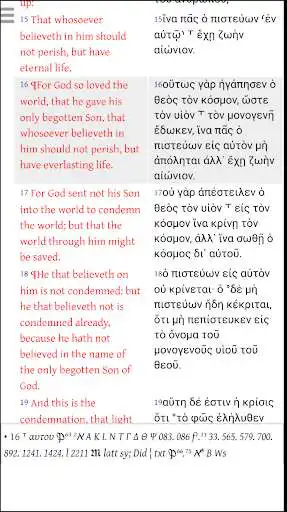
Bishop is a Bible research application which works with the vast library of resources (2000+ Bibles, commentaries, lexica, and more) published for use with The SWORD Project from the CrossWire Bible Society. Unique tools include ancient New Testament manuscript research utilizing the New Testament Virtual Manuscript Room resources from the Institute for New Testament Text Research.
The application is available in: Afrikaans, Deutsch, English, Espaol, Franais, Italiano, Portugus, Slovenina, Tok Pisin
Bibles are available in hundreds of languages. CrossWire desires to make available as many resources as we are able. These include Bibles and commentaries out of copyright. Many modern Bible publishers have also graciously allowed CrossWire to make their Bibles freely available for use with our software, including the Lockman Foundation's New American Standard Bible (NASB). Finally, a small number of publishers directly offer their texts for use with our software for a small fee, including the German Bible Society's Nestle-Aland Greek New Testament (NA28). By far, the vast majority of Bibles, commentaries, lexica/dictionaries, daily devotionals, etc., available for our tools are free and CrossWire never charges for our software tools or resources. If you have a text for which you control the permissions or you know of a text which is currently not available, and you would like this resource to be available for use within our software, please send an email to our modules team at: [email protected]
Enjoy with UptoPlay the online game Bishop: The SWORD Project for Android.
ADDITIONAL INFORMATION
Developer: CrossWire Bible Society, Software Development Team
Genre: Education
App version: Varies with device
App size: Varies with device
Recent changes: New preliminary support for General Books and Dictionaries
Added ability to cancel a search
Bug fixes
Comments:
New phone with Android 10 instead of the 11 I was used to and the app actually asked for permissions and didn't have any issues. I see how it's supposed to work now and it's my new favorite tool for Bible study went back to old phone and manually added permissions and it works well there too. Not sure why it didn't ask. Love all the repositories and options for tools. Love the view options for having side by side comparison in the app. Not sure what more I could want in a tool. Great job guys.
The app has extensive content rendering pay apps obsolete. It's nice looking and has an easy to use layout but it has two major and two minor flaws. You can't sort downloads by language (major) or view certain downloads (major) like books or maps. You can't play online more than one extension at a time (minor) making it time consuming and tedious to build your study suit. If fixed it's 5 stars.
Good visual layout, but 2 serious problems: it always starts showing notes and I have to toggle it off; and I can't view books I downloaded, e.g., the Triglotta. Also, there's no history button or function for the last book viewed. Update: they fixed the toggle notes issue. But I found another problem—in portrait viewing and Commentary Assist mode, the commentary column displays clipped text on the right.
`Wanted to love it. I've been looking for a great Bible study app for my chromebook. This isn't it. There is a Strong's Concordance, sort of, but it's difficult to use. The Bible is cumbersome to move through and impossible for notetaking. I have extensive computer experience but this was impossible to navigate in any manner. What a shame. Uninstalling. Edit. I have a 2 in 1, so certainly not a "desktop". It works as a tablet. However, no note taking possibility makes it unusable.`,Looks good. The interface is not material design but is relatively intuitive. However, is it possible to install a module manually? How? Where are the files stored on the storage? There's no /sdcard/sword/ folder on my phone. Creating the folder is not enough. You have to give the app the storage permission which it doesn't ask for. Another glitch is that some Bible modules seem to use different fonts for different words. Finally, I would love to be able to disable red lettering."
Page navigation: