


My Gallery Keyboard
My Gallery Keyboard
The official app & game
Distributed by UptoPlay
SCREENSHOTS
DESCRIPTION
Play this online game named My Gallery Keyboard.
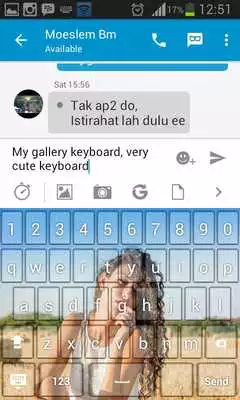
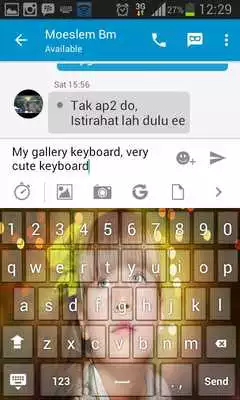
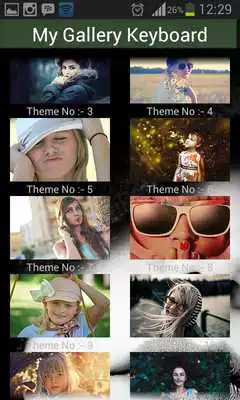
This is the keyboard of viewers who want the ease of typing and not burden the system your smartphone.Keyboard in desian with unique and can use all the existing photo on your android gallery.
How to use?
- Open the application
- Select "Enable Keyboard" and select "My Gallery Keyboard"
- Select "Set Input Method" and select "My Gallery Keyboard"
- Select "Set Theme" and then choose the theme of the keyboard is available
- Done.
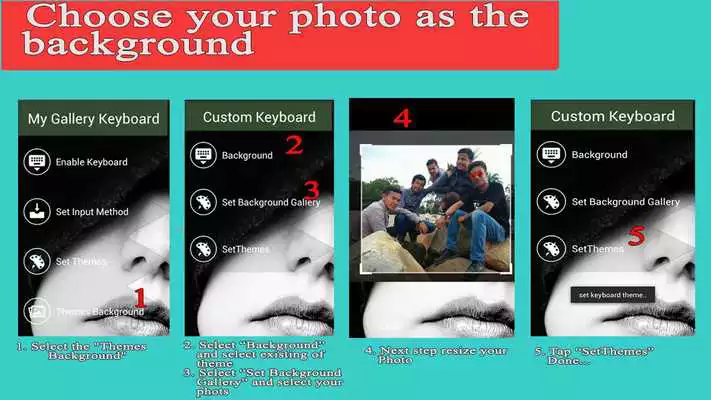
You can choose to include your photo.
- Select the "Themes Background"
- Select "Set Background Gallery" select an existing photo in your gallery.
- Set the size of the photo to be used as the theme of the keyboard
- Select "Set Theme"
- Done.
Enjoy it
Updates:
My Gallery Keyboard from UptoPlay.net
Page navigation: