


Fencing Scoreboard

Fencing Scoreboard
The official app & game
Distributed by UptoPlay
SCREENSHOTS
DESCRIPTION
Use UptoPlay to play online the game Fencing Scoreboard.
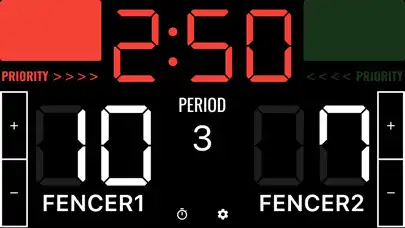
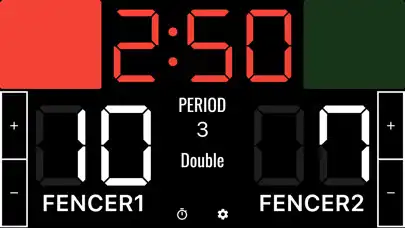
A scoreboard app specialized for fencing.
It is easy to use, and you can also set player names and match times.
Basic functions
1. Player name
Tap "FENCER1" or "FENCER2" on the screen to change player names.
2. Adding and subtracting points
Points can be added or subtracted by tapping the + and - buttons. Points can also be added (+1) by tapping the score. When scoring, the lamp on the screen will light up for 2 seconds.
3. Priority
Tap "Priority" to light it up.
4. period
Tap the number of periods to advance to the next period.
5. Timer
Tap the time to start the timer. If you want to stop it, tap it again.
6. Match type
You can select a match format from Foil, "Epee," and "Sabre" on the setting screen.
7. Reset
Tap the cog icon to display the menu, where you can reset the score and timer.
Other functions
Sound settings
Color settings
Timer settings
Enjoy with UptoPlay the online game Fencing Scoreboard.
ADDITIONAL INFORMATION
Developer: SeedsJP
Recent changes: Added a monthly paid plan to remove ads.
Page navigation: