


Cyan Nebula Live Wallpaper
Cyan Nebula Live Wallpaper
The official app & game
Distributed by UptoPlay
SCREENSHOTS
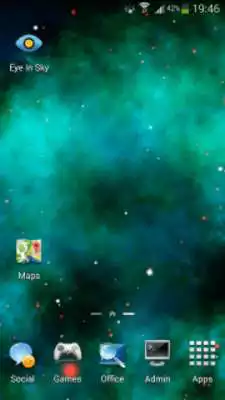
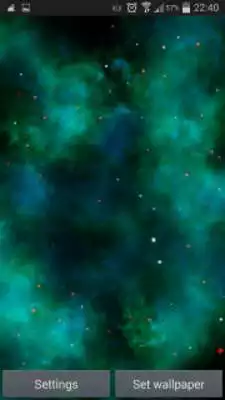
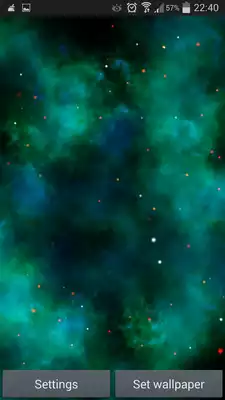
DESCRIPTION
Play this online game named Cyan Nebula Live Wallpaper.
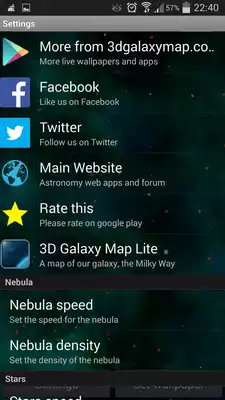
★ Customization settings ★- Nebula speed - Change the speed of the nebula clouds
- Nebula density - Increase or decrease the nebula density (lower density means higher FPS)
- Stars speed - Change the speed of the stars
- Stars size - Increase or decrease the size of the stars
- Simulate swipe - Check this if you don't want to play the wallpaper animation when switching homescreens
★ Tips ★
Don't panic if you see the Open button disabled (right after installation). The wallpaper has been installed successfully, check your live wallpapers.
After setting the wallpaper please double tap the screen to open up the Settings menu. Do not use the set wallpaper again (over the same wallpaper - this is a bug with Unity).
If you encounter a black screen (with no loading splash screen) right after touching the Set Wallpaper button, either give it some time to load or clear your memory and try setting the wallpaper again.
Updates:
New settings menu and new customization settings:- Nebula speed
- Nebula density
- Stars speed
- Stars size
- Simulate swipe
Minor bug fixes and a new loading screen
Cyan Nebula Live Wallpaper from UptoPlay.net
Page navigation: