


Cara Koneksi HP ke TV
Cara Koneksi HP ke TV
The official app & game
Distributed by UptoPlay
SCREENSHOTS
DESCRIPTION
Use UptoPlay to play online the game Cara Koneksi HP ke TV.
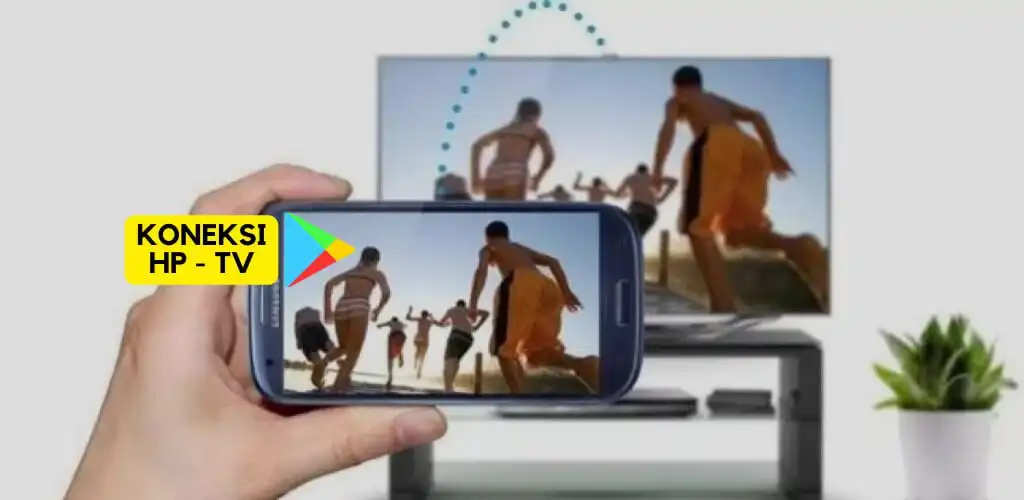
To connect your phone to the TV, there are several ways you can do it:
Using an HDMI Cable: Connect an HDMI cable from the HDMI port on the TV to the HDMI port on the adapter or mobile dongle, then connect the adapter or dongle to the mobile phone.
Using Wi-Fi Direct/Screen Mirroring: Many modern TVs come with Wi-Fi Direct or Screen Mirroring features. Use this feature on both the phone and the TV to display the phone screen on the TV wirelessly.
Using Google Chromecast: Connect the Chromecast to the HDMI port on the TV, then use the Chromecast app on your phone to play content on the TV screen.
Make sure your phone and TV support either of these methods before connecting.
Tutorial on how to connect a cellphone to a TV, please learn in the application How to connect a cellphone to this TV.
Enjoy with UptoPlay the online game Cara Koneksi HP ke TV.
ADDITIONAL INFORMATION
Developer: Dalangan Tekno
Recent changes: Aplikasi ini berisi panduan menghubungkan hp ke TV.
Page navigation: