


Workflow Guide For Motion 5 By macProVideo
Workflow Guide For Motion 5 By macProVideo
The official app & game
Distributed by UptoPlay
SCREENSHOTS
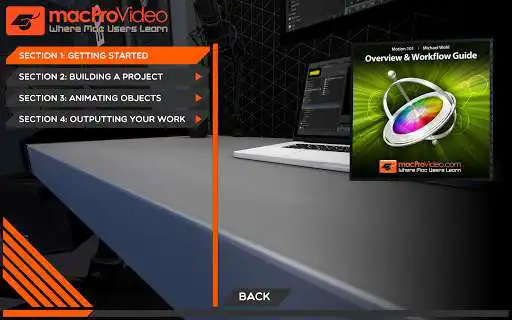
DESCRIPTION
Use UptoPlay to play online the game Workflow Guide For Motion 5 By macProVideo.
Motion 5 has been redesigned from the ground up and in this FREE introductory, 15-video tutorial by Motion master MIchael Wohl, youll learn how Motion 5 works and how its integrated into the new Final Cut Pro X workflow. Youll examine the new Motion graphical user interface (GUI) and get a preview on how to create and transform objects. Michael then explains the timeline, importing video and the awesome Generators, Replicators and Particle Emitters. Finally, you'll get a basic understanding of Behaviors, Keyframing and how to export and Share a Motion project.
This is the first tutorial in an exclusive 9-part series of Motion 5 tutorials by the esteemed video and motion graphics expert Michael Wohl. Watch this one absolutely FREE and then subscribe to mPV to watch the complete series. Or, if you prefer to play online HD videos to your Mac, you can bundle the series now and save up to 50% off the list price of each video!
This course is also published one our education websites macProVideo.com (macProVideo, macprovideo) and Ask.Video (AskVideo, askvideo).
MOTION 5 101
Overview and Workflow Guide
Genre: Video
15 Videos
58m 0s
Enjoy with UptoPlay the online game Workflow Guide For Motion 5 By macProVideo.
ADDITIONAL INFORMATION
Developer: NonLinear Educating Inc.
Genre: Photography
App version: 7.1
App size: 62M
Recent changes: Updated to work across all platforms and simplified the UI. Works on more devices using the latest architecture available. This app has no in-app purchase functionality.
Comments:
All non linear apps I purchased on Google don't work properly.??? They all stay stuck when I open them and will not work for any other commands ? Why did I waste my money on this thinking it would help?"
Page navigation: