


QR and Barcode Scanner

QR and Barcode Scanner
The official app & game
Distributed by UptoPlay
SCREENSHOTS
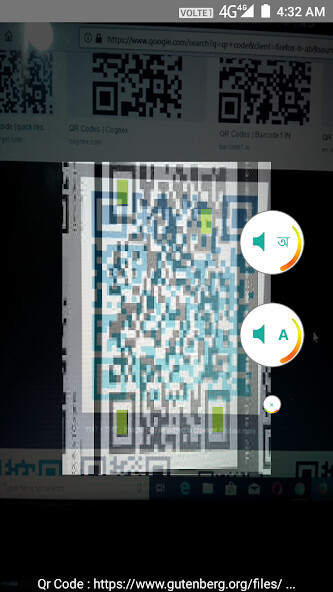
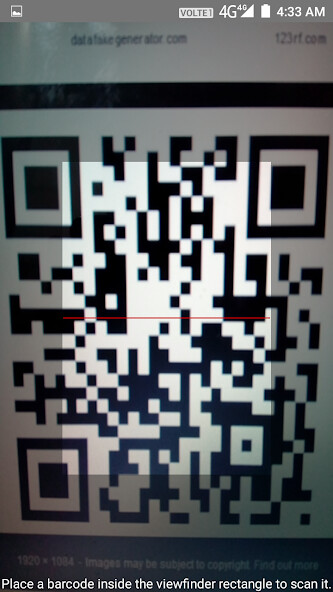
DESCRIPTION
Play this online game named QR and Barcode Scanner .
QR and Barcode Scanner is imoblife,barcodescan_plug_in,productivity,barcode,scanner, content rating is Low Maturity (PEGI-12). This app is rated 4.75 by 4 users who are using this app. To know more about the company/developer, visit IMOBLIFE INC. website who developed it. com.imoblife.barcodescan_plug_in.apk apps can be downloaded and installed on Android 2.3.x and higher Android devices. The Latest Version of 1.5 Available for download. Download the app using your favorite browser and click Install to install the application. Please note that we provide both basic and pure APK files and faster play online speeds than APK Mirror. This app APK has been downloaded 3729+ times on store. You can also play online com.imoblife.barcodescan_plug_in APK and run it with the popular Android Emulators.
★This is a plug-in of All-In-One Toolbox. It can’t be used on its own; All-In-One Toolbox could be downloaded at:

http://goo.gl/qC1KK

or

https://play.google.com/store/apps/details?id=imoblife.toolbox.full

★Where to find QR and Barcode Scanner Plug-in:

- Install the Plug-in

- Open All-In-One Toolbox > Tools > Plug-ins > QR and Barcode Scanner Plug-in

★Shortcut and widget:

Shortcut:

- Open All-In-One Toolbox, Tools-Plugin, long press the icon of QR and Barcode Scanner Plugin, you are able to create a shortcut to home screen

Widget:

Long press the blank area on your home screen-Widget-All-In-One Toolbox Customizable widget-Pick QR and Barcode Scanner Plugin, then you are able to use it together with other tools from All-In-One Toolbox.

QR and Barcode Scanner is a simple and practical tool, it is used to find detailed information regarding the item it encodes. This tools makes it is interesting and easy to find the encoded information.

After you have located the app, open it, point the camera at the code and you're done! No need to take a photo or press a "scan" button like other apps.

QR and Barcode Scanner can scan and collect information about the item you scan, allowing you to research and find more information related to it.

Major Features:

- Scan history records all the scans for later reference, you can also delete, and share scans in history.

- Manual input available for users who don’t have a built-in camera to search the barcodes.

- Allow scan of multiple bar codes or QR codes continually

- Free of charge

Homescreen shortcut

You can create homescreen shortcut by long press the QR and Barcode Scanner icon on the plugins page

Notes: To use this app, your device must have a built-in camera. To scan product barcodes, QR codes, your device must have autofocus.

If you have any other questions, please feel free to contact [email protected], we are glad to help.
Updates:
- - Update UI and icon, so its widget matches with AIO Toolbox custom widget
PS: widget for plugins will be added soon, stay tuned!
QR and Barcode Scanner from UptoPlay.net
Page navigation: