


HD Video Screen Mirroring
HD Video Screen Mirroring
The official app & game
Distributed by UptoPlay
SCREENSHOTS
DESCRIPTION
Use UptoPlay to play online the game HD Video Screen Mirroring.
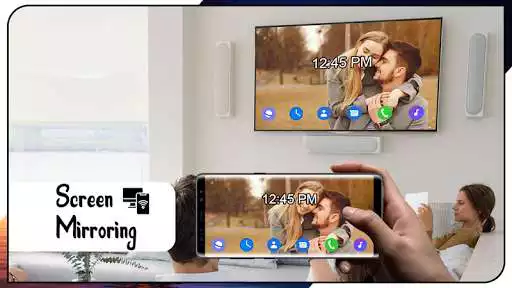
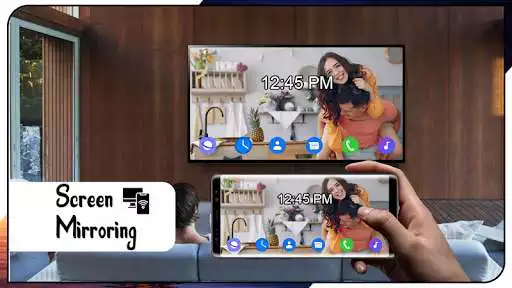
HD Screen Mirroring is the most powerful app to mirror and stream your Android screen and audio in real time in high quality in front of your Smart TV.
How to Use Screen Mirroring:
1. Ensure that your phone/tablet and smart TV are connected to the same Wi-Fi network in your house.
2. Turn on "Wireless display" on your phone that is available in the setup.
3. Activate "Miracast" on your smart television to connect.
4. Look for and pair the appliance for the mirror.
Features:
- Display the smartphone screen onto the TV screen.
- Quick and easy to connect in one click.
- Start the mobile game on your widescreen TV.
- Cast to TV, Live Streaming.
- All supported multimedia files including pictures, audios, e-books, PDF, etc.
- Demonstrate demonstrations at a meeting, view family travel slides.
- Cast to TV, Live video on BIGO LIVE, YouTube and Twitch
- Live screen sharing. immediately.
Enjoy with UptoPlay the online game HD Video Screen Mirroring.
ADDITIONAL INFORMATION
Developer: downing app
Page navigation: